






















 (1)-20251204034946188.jpg)

































Welcome to OSCAL (Well-known Chinese brand of rugged outdoor smartphones, Android tablets, and portable power stations) blog. Hope this guide has been helpful.
Dropping your phone can feel like a mini heart attack. One second everything is fine, the next it slips from your hand and hits the ground with a sound that makes you wince. Even if the screen looks okay, many people immediately worry about what they cannot see: internal damage.
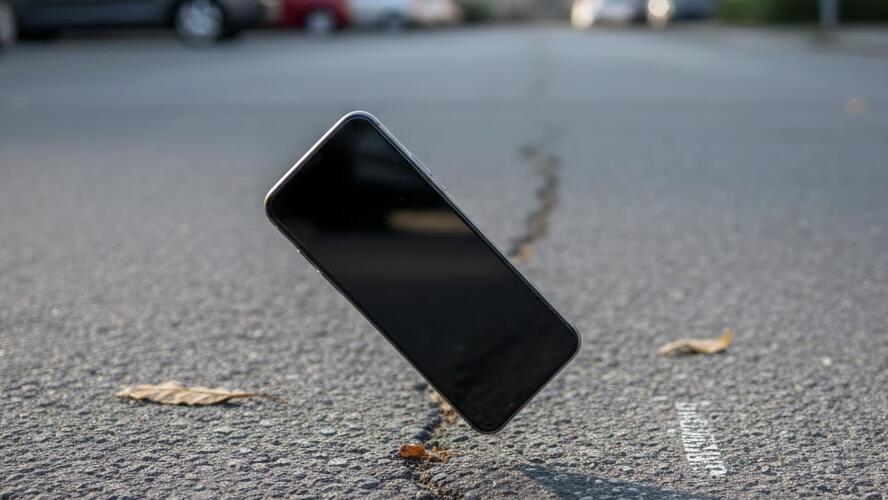
The truth is that internal issues are not always obvious right away. Some problems show up instantly, while others appear days or even weeks later. This guide will walk you through practical ways to check your phone after a drop, what warning signs to watch for, and when it is time to seek professional help.
Note: The guide is pointed to the regular smartphone, not the rugged smartphone - the device comes with drop-, water-, dust-proof.
Start with a careful visual inspection
Before turning your phone on or continuing to use it, take a close look at the outside. Internal damage often comes with small external clues that are easy to miss if you are in a hurry.
- Check the screen for hairline cracks, discoloration, or dead spots.
- Look along the edges and corners for dents, gaps, or bending.
- Inspect the camera lenses for cracks or fogginess.
- Make sure buttons sit evenly and are not stuck or loose.
If the phone body looks warped or the screen is lifting slightly, internal components may have shifted or the battery could be compromised.
Test basic phone functions right away
Once you have confirmed there is no obvious physical danger, power on the phone and test its core features. Internal damage often reveals itself through changes in performance rather than appearance.
- Make a call and listen for muffled sound, static, or microphone issues.
- Test the touchscreen by typing, swiping, and using multiple apps.
- Check Wi-Fi, Bluetooth, and mobile data connections.
- Open the camera and record a short video with audio.
If any of these functions behave inconsistently, it could point to damaged connectors, sensors, or internal cables.
Pay close attention to battery behavior
The battery is one of the most vulnerable internal components during a drop. Even if it looks fine at first, problems can develop over time.
- Watch for rapid battery drain or sudden shutdowns.
- Notice if the phone gets unusually warm during normal use.
- Check whether charging is slower, intermittent, or fails completely.
A swollen or damaged battery is a serious safety risk. If you notice excessive heat, a bulging screen, or a chemical smell, stop using the phone immediately.
Listen for unusual sounds and vibrations
Internal components that have come loose can create subtle noises. While modern phones are usually silent, damage can change that.
- Shake the phone gently and listen for rattling.
- Pay attention to abnormal vibration patterns.
- Notice buzzing sounds when using the camera or speakers.
Rattling often indicates a loose camera module or internal screw, which may worsen with continued use.
Monitor performance over the next few days
Not all internal damage shows up immediately. Some issues only become clear after regular use.
- Apps crashing more often than usual.
- Random restarts or freezing.
- Sensors like fingerprint, face recognition, or GPS failing.
Keep mental notes of anything that feels “off.” Comparing behavior before and after the drop can help you spot subtle changes.
Use built-in diagnostics or third-party tools
Many smartphones include hidden diagnostic menus or health checks. In addition, reputable third-party apps can test sensors, storage, and system stability.
- Run hardware diagnostics if your phone brand offers them.
- Test accelerometer, gyroscope, and proximity sensors.
- Check storage health and system logs for errors.
While these tools are not perfect, they can provide useful clues about internal damage.
Know when to see a professional
If you suspect internal damage, professional inspection is often the safest option. Technicians can open the device, check connectors, and identify problems that software tests cannot detect.
- Persistent overheating or battery issues.
- Water resistance compromised after the drop.
- Critical functions failing despite resets.
Continuing to use a damaged phone can turn a minor issue into an expensive repair.
Conclusion
Dropping your phone does not automatically mean it has internal damage, but it should never be ignored. By inspecting the device carefully, testing its functions, and monitoring behavior over time, you can catch problems early and protect your data and safety.
If something does not feel right, trust your instincts. Getting professional help sooner rather than later can save money, extend your phone’s lifespan, and give you peace of mind after an accident that happens to almost everyone at least once.