









































 (1)-20251204034946188.jpg)


































Welcome to OSCAL (A China brand of TWS earbuds, rugged phone, tablet, and portable power station) blog. Hope this guide has been helpful.
Many people want to share music, podcasts, or videos with a friend without passing around one pair of earbuds. Modern smartphones and Bluetooth technologies make this possible, but support varies widely depending on your phone’s hardware and software features.
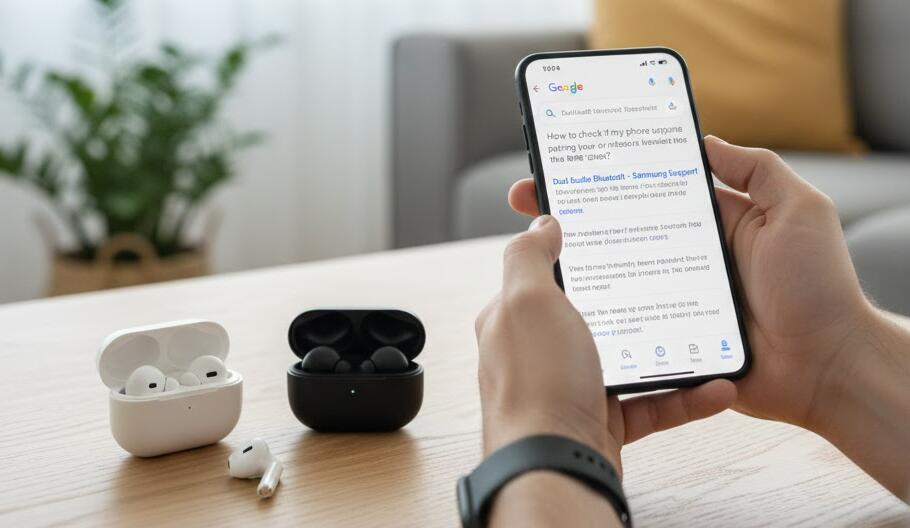
This guide will help you understand how to check whether your phone can connect to two wireless earbuds at the same time. We will cover key terms, practical checks, and simple tests you can do yourself without advanced technical knowledge.
Understand the key technologies
Before checking your phone, it is important to know the difference between common Bluetooth features. Some phones support “dual audio,” “audio sharing,” or “Bluetooth multipoint,” but these terms are not always the same.
- Dual audio / Audio sharing: Allows one phone to stream the same audio to two Bluetooth earbuds or headphones simultaneously.
- Bluetooth multipoint: Usually means one earbud can connect to two source devices, not one phone to two earbuds.
- Brand-specific features: Some manufacturers offer their own solutions, such as Samsung Dual Audio or Apple Audio Sharing.
Check your phone’s system settings
The fastest way to check is by exploring your phone’s Bluetooth settings. Turn on Bluetooth, pair the first pair of wireless earbuds, and then try pairing a second pair without disconnecting the first. If your phone allows both to stay connected, it likely supports dual audio.
On many Android phones, you can also look for an “Advanced Bluetooth,” “Media output,” or “Dual audio” option in the settings menu. On iPhones, Audio Sharing appears when compatible earbuds are connected and you open the audio control panel. If your phone has this function, you can follow the guide to connect your phone to two earbuds at once.
Look at official specifications and documentation
If the settings are unclear, check your phone’s official specification page or user manual. Manufacturers often list Bluetooth features, supported codecs, and special audio functions. Search for phrases like “dual audio,” “audio sharing,” or “Bluetooth 5 and above features.”
You can also visit the brand’s support website or community forums, where other users may confirm whether the feature works on your exact model and operating system version.
Test with real devices
The most reliable method is a real-world test. Borrow a second pair of wireless earbuds and try connecting both at the same time. Play music or a video and see if sound comes through both pairs simultaneously without cutting out.
Keep in mind that even if your phone supports this feature, both earbuds may need to be compatible with the same Bluetooth standards or brand-specific requirements.
Final thoughts
Knowing whether your phone can connect to two wireless earbuds at the same time depends on understanding Bluetooth features, checking system settings, and confirming official support. Newer phones are more likely to include this capability, but it is not guaranteed.
By following the steps above, you can quickly determine your phone’s limitations and avoid buying extra earbuds that may not work as expected. A few minutes of checking can save you time, money, and frustration in the long run.


