








































 (1)-20251204034946188.jpg)

































Welcome to OSCAL (Well-known China brand of Android tablet, projector, and portable power station) blog. Hope this guide has been helpful.
Laptop battery life is one of those things everyone cares about, yet many people only think about it when their device suddenly starts dying faster than expected. Whether you use your laptop for work, study, or entertainment, a healthy battery directly affects your productivity and convenience. The good news is that maintaining battery life is not complicated—it mainly comes down to good habits and a bit of awareness.
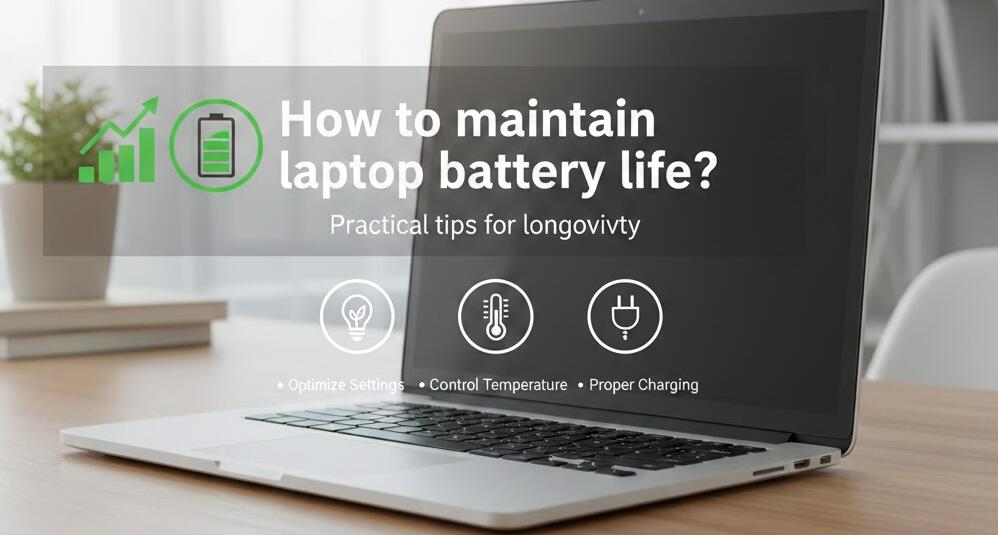
Modern laptops use lithium-ion or lithium-polymer batteries, which are powerful but sensitive to how they are treated over time. Small daily choices, such as how you charge, how you store your laptop, and how you manage software, can make a big difference in how long your battery lasts both per charge and over its overall lifespan.
Understand how laptop batteries work
Before changing habits, it helps to understand the basics. Laptop batteries are designed to handle a limited number of charge cycles. A charge cycle is not simply plugging in once; it usually means using a total of 100% of the battery, whether that happens all at once or over several sessions. Over time, each cycle slightly reduces the battery’s maximum capacity.
This means your goal should not be to avoid using the battery, but to use it wisely. Reducing unnecessary cycles and minimizing stress on the battery can significantly slow down long-term degradation.
Charge smart, not constantly
One of the most common mistakes is keeping the laptop plugged in at 100% all the time. While modern laptops are smarter than older models, staying at full charge for long periods can still generate heat and stress the battery. Ideally, keep the charge level between 20% and 80% whenever possible.
If your laptop supports battery charge limits in its settings or manufacturer software, enable this feature. It allows the device to stop charging at a set percentage, which is especially useful if you mostly work while plugged in.
Manage heat carefully
Heat is one of the biggest enemies of battery health. High temperatures accelerate chemical aging inside the battery, permanently reducing its capacity. Always make sure your laptop has good ventilation and avoid placing it on soft surfaces like beds or sofas that can block airflow.
If you notice your laptop getting unusually hot, check for dust buildup in the vents and fans. Using a cooling pad can also help, especially during heavy tasks like video editing or gaming.
Optimize system and software settings
Software plays a huge role in battery drain. Adjusting system settings can immediately improve battery life per charge. Lowering screen brightness, turning off keyboard backlighting when not needed, and enabling battery saver or power-saving modes are simple but effective steps.
Also, keep an eye on background applications. Some programs continue to run and consume power even when you are not actively using them. Regularly reviewing startup items and closing unnecessary apps can reduce constant battery drain.
Adopt healthy usage habits
How you use your laptop day to day matters. Avoid letting the battery frequently drop to 0%, as deep discharges put extra strain on it. It is better to plug in when you reach around 20% rather than waiting until the laptop shuts down.
If you plan not to use your laptop for a long period, do not store it fully charged or completely empty. A charge level of around 50% is ideal for long-term storage, and the laptop should be kept in a cool, dry place.
Keep your system updated
Operating system and firmware updates often include power management improvements. These updates can optimize how hardware components use energy and fix bugs that cause excessive battery drain. While updates may seem unrelated to battery health, they can have a noticeable impact.
At the same time, avoid installing untrusted software. Poorly optimized or malicious programs can run constantly in the background, overheating your laptop and draining the battery faster than normal.
Calibrate and monitor battery health
Battery calibration is not something you need to do often, but performing it occasionally can help your system accurately estimate remaining battery life. This usually involves charging to 100%, then letting the battery discharge to a low level before recharging.
Many laptops also provide built-in battery health reports. Checking these reports can help you understand how much capacity your battery has lost and whether your current habits are effective.
When to consider battery replacement
Even with perfect care, all batteries degrade eventually. If your laptop only lasts a short time on battery despite careful usage, it may be time to consider a replacement. Replacing a worn-out battery can make your laptop feel new again and is often cheaper than buying a new device.
Maintaining laptop battery life is really about consistency rather than drastic changes. Small, thoughtful habits practiced daily can significantly extend both the runtime you get each day and the total lifespan of the battery itself.
By understanding how batteries work and treating them with care—managing heat, charging wisely, and optimizing software—you can enjoy better performance, fewer charging worries, and a laptop that stays reliable for years to come.


