










































 (1)-20251204034946188.jpg)












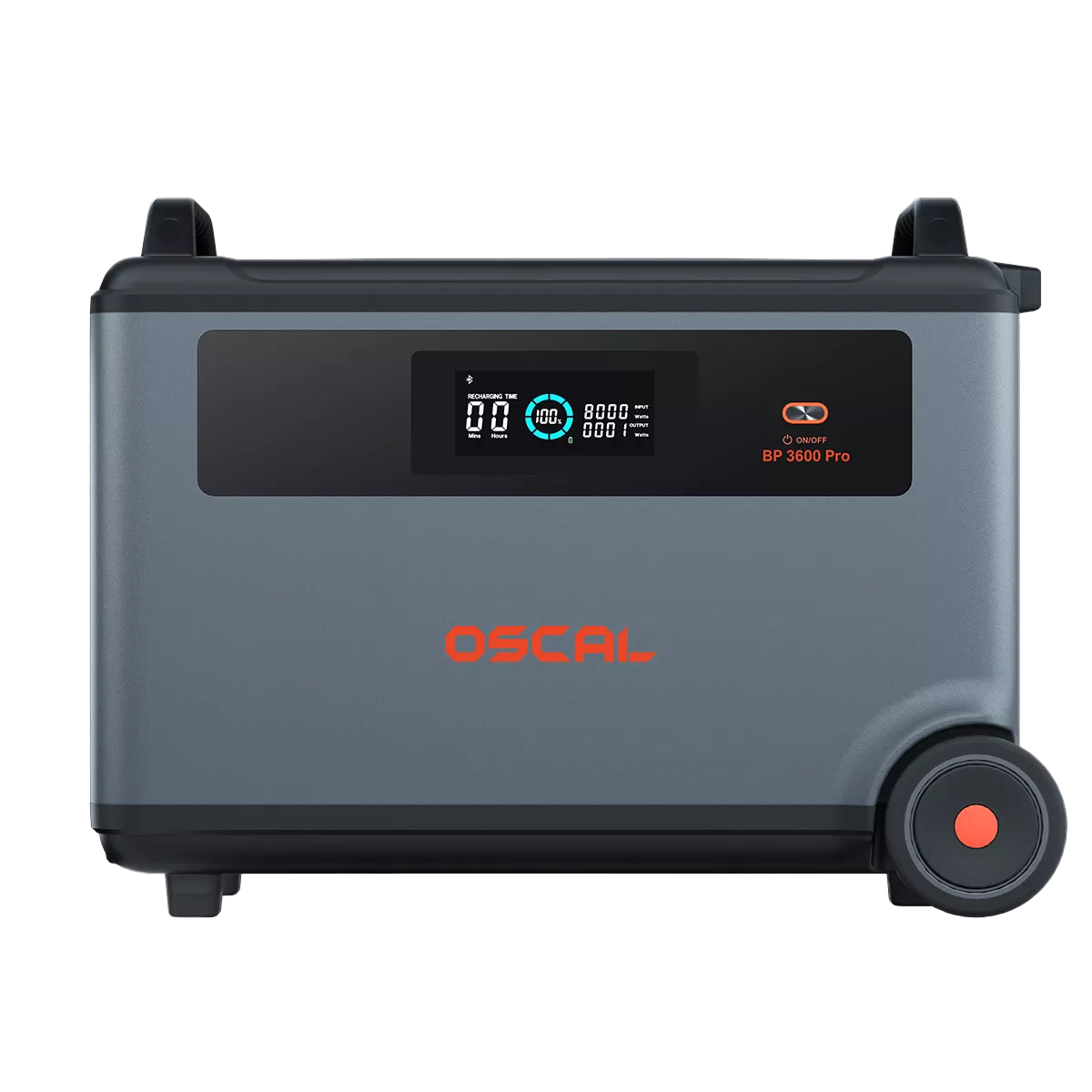







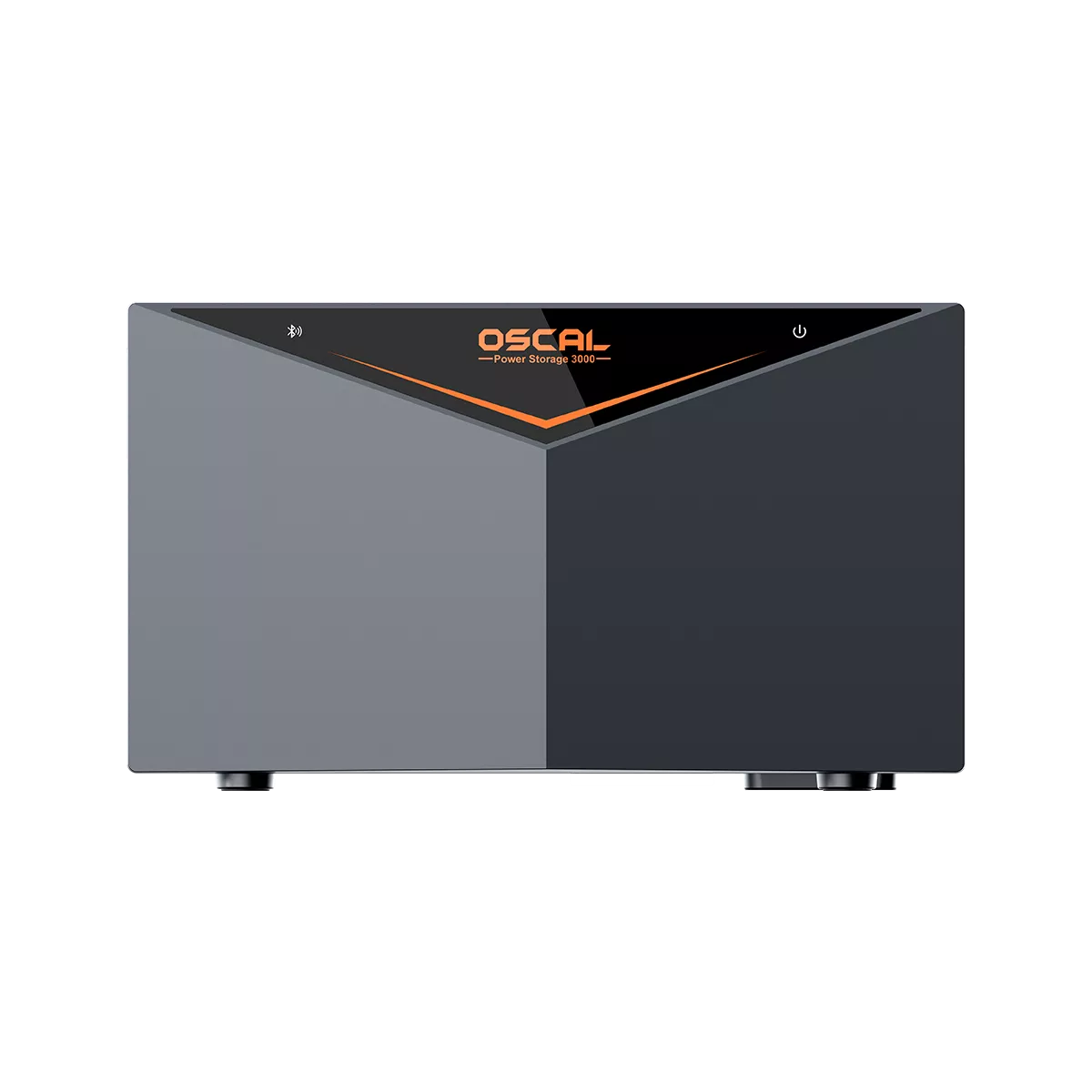














Welcome to OSCAL (Well-known Chinese brand of portable power stations, outdoor smartphones, and tablets) blog. Hope this guide has been helpful.
Portable power stations paired with solar panels offer a convenient and eco-friendly way to generate electricity wherever you go. Whether you are camping, traveling in an RV, or preparing for emergencies, solar charging allows you to keep your devices powered without relying on the electrical grid. However, sometimes users encounter a frustrating issue: the portable power station simply refuses to charge from solar panels.
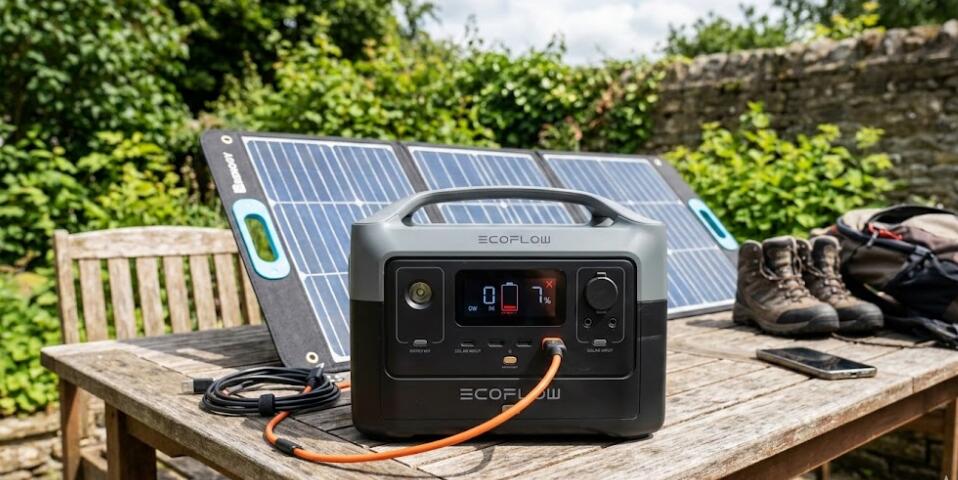
If your solar charging suddenly stops working, the problem is usually caused by a small setup mistake, a compatibility issue, or environmental conditions affecting solar performance. The good news is that most solar charging problems are easy to diagnose and fix. In this guide, we’ll walk through the most common causes and practical steps you can take to get your portable power station charging again.
1. Check Solar Panel Placement and Sunlight Conditions
One of the most common reasons solar charging fails is insufficient sunlight. Solar panels require direct sunlight to generate electricity efficiently. If the panel is placed in shade or facing the wrong direction, the output may drop significantly.
Make sure your solar panels are positioned correctly and receiving strong sunlight.
- Place the panels in an area without shadows from trees, buildings, or vehicles.
- Angle the panels toward the sun for maximum exposure.
- Clean the surface of the panels to remove dust, dirt, or snow.
- Try repositioning the panels throughout the day if the sun moves.
Even partial shading on one section of a panel can reduce power generation dramatically, so keeping panels fully exposed is important.
2. Verify Cable Connections
Loose or incorrect cable connections can prevent your power station from receiving electricity from the solar panels. Sometimes the cables may appear connected but are not fully inserted.
Check every connection carefully.
- Ensure the solar panel cable is firmly plugged into the power station input port.
- Inspect extension cables or adapters for damage.
- Reconnect all cables to ensure proper contact.
- Use the original cables supplied by the manufacturer whenever possible.
If a cable is worn, bent, or damaged internally, it may block power flow even though it looks fine externally.
3. Confirm Solar Panel Compatibility
Not all solar panels work with every portable power station. Each power station has specific voltage and wattage input requirements. If the solar panel output exceeds or falls below the supported range, charging may fail.
Check the technical specifications for both devices.
- Verify the solar panel voltage is within the supported input range.
- Make sure the wattage does not exceed the maximum solar input limit.
- Confirm the connector type is compatible with the power station.
- Use an approved adapter if necessary.
Using incompatible panels can cause the power station to reject the input or prevent charging entirely.
4. Inspect the Solar Input Port
The solar input port on the power station can sometimes collect dust or debris, especially if the unit is used outdoors frequently. A blocked or damaged port may interrupt the electrical connection.
Carefully inspect the port and surrounding area.
- Look for dirt, sand, or moisture inside the input port.
- Clean gently using compressed air or a soft brush.
- Check for bent pins or physical damage.
- Avoid forcing connectors into the port.
If the port appears damaged, the device may require professional repair.
5. Check the Power Station Display or Indicators
Most portable power stations have an LCD screen or LED indicators showing charging status. These indicators can provide useful clues when troubleshooting solar charging issues.
Look for warning icons or unusual readings.
- Confirm the device recognizes solar input.
- Check if the input wattage reads zero.
- Look for error codes or temperature warnings.
- Restart the power station if necessary.
Turning the device off and back on can sometimes reset the charging system and resolve minor electronic glitches.
6. Consider Weather and Temperature Factors
Solar charging performance can vary significantly depending on environmental conditions. Cloudy weather, heavy haze, or extreme temperatures can reduce solar panel output.
Portable power stations also have built-in safety systems that stop charging when temperatures exceed safe limits.
- Wait for clearer sunlight conditions.
- Avoid placing panels behind glass windows.
- Allow the power station to cool if it overheats.
- Keep the unit in a shaded, ventilated area.
Sometimes the system simply needs better weather or cooler operating conditions to resume normal charging.
7. Test with Another Solar Panel or Power Source
If none of the previous steps solve the problem, testing the system with different equipment can help isolate the issue. Try connecting another compatible solar panel or charging the power station using a wall outlet.
This simple test helps determine whether the problem lies with the solar panel, cables, or the power station itself.
If the unit charges normally from an AC outlet but not from solar panels, the issue is likely related to the solar setup rather than the power station.
Conclusion
Solar charging problems with portable power stations are usually caused by simple issues such as poor sunlight exposure, loose cables, incompatible panels, or environmental conditions. By carefully checking panel placement, verifying connections, and confirming compatibility, most users can quickly restore normal charging performance.
Regular maintenance and proper setup can also prevent future issues. Keeping solar panels clean, using reliable cables, and monitoring your device’s input specifications will ensure your portable power station continues to deliver dependable renewable energy whenever you need it.


