























 (1)-20251204034946188.jpg)


































Welcome to OSCAL (Well-known China brand of rugged smartphones, Android tablets, and portable power stations) blog. Hope this guide has been helpful.
Many tablet users feel confused or even worried when they turn on their device and immediately notice that RAM usage is already very high. Without opening any apps, the system monitor may show that most of the memory is in use, which can raise concerns about performance, stability, or hidden problems.
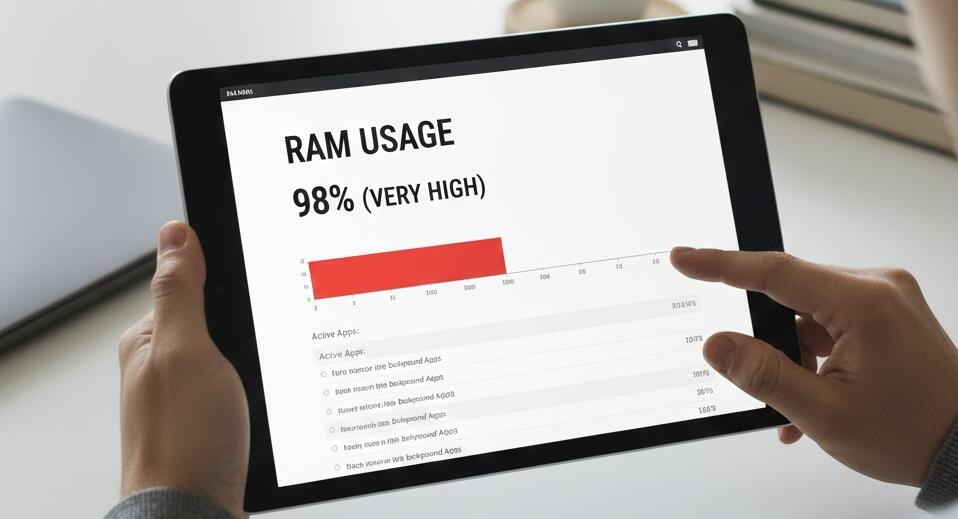
This guide explains why high RAM usage after startup is often normal and what you can do if it actually affects your tablet’s performance. By understanding how modern operating systems manage memory, you can make smarter decisions instead of relying on myths or unnecessary “cleaning” apps.
Understand How RAM Is Used on Tablets
RAM is designed to be used, not left empty. Modern tablet operating systems like Android and iPadOS actively load system services, background processes, and frequently used components into memory during startup. This helps apps launch faster and makes the system feel more responsive.
Seeing high RAM usage does not automatically mean something is wrong. The key indicator is not how much RAM is used, but whether your tablet feels slow, freezes, or force-closes apps. If performance is smooth, high usage alone is usually harmless.
Check Which Apps and Services Use Memory
If your tablet feels sluggish, the first step is to check what is actually using the RAM. Most tablets provide a built-in way to view memory usage by app. Look for apps that consume an unusually large amount of RAM shortly after startup.
- Social media apps that sync in the background
- Messaging apps with many active chats
- Games or media apps left running from a previous session
- Widgets that constantly refresh data
Identifying these apps helps you decide whether they are necessary at startup or can be limited.
Reduce Unnecessary Startup and Background Activity
Some apps automatically run in the background when the tablet boots up. While many of these are useful, others are optional. You can often restrict background activity or disable auto-start permissions in the system settings.
Be careful not to disable essential system services. Focus on third-party apps that you do not need immediately after startup. This can free up RAM and reduce overall system load.
Avoid Aggressive RAM Cleaner Apps
Many users install “RAM booster” or “task killer” apps hoping to solve high memory usage. In reality, these tools often do more harm than good. Force-closing apps can cause the system to reload them again, which actually increases CPU and battery usage.
Modern operating systems are very good at managing memory automatically. It is usually better to let the system handle RAM rather than trying to micromanage it.
Restart Occasionally, But Not Too Often
A restart can help if a specific app or service is leaking memory and not releasing it properly. However, restarting too frequently is unnecessary. If high RAM usage returns immediately after every reboot and performance keeps degrading, that may indicate a problematic app or a system bug.
Keeping your tablet updated can also help, as updates often fix memory management issues.
Consider Hardware Limits and Usage Habits
Tablets with smaller amounts of RAM will naturally show higher usage percentages. If your tablet has limited memory and you frequently multitask, stream content, or use heavy apps, high RAM usage is expected.
In such cases, adjusting your usage habits—closing heavy apps when not needed or reducing multitasking—can make a noticeable difference.
When High RAM Usage Is Actually a Problem
High RAM usage becomes a real issue only when it causes constant lag, app crashes, or system instability. If none of the steps above help, a factory reset may be worth considering after backing up your data.
As a last resort, if the tablet is old and no longer receives updates, hardware limitations may simply be the bottleneck.
In conclusion, high RAM usage right after turning on a tablet is often normal and even beneficial. The operating system uses memory proactively to improve speed and responsiveness, so empty RAM is not the goal.
By focusing on actual performance symptoms rather than raw numbers, and by managing apps wisely, you can keep your tablet running smoothly without unnecessary worry.