









































 (1)-20251204034946188.jpg)


































Welcome to OSCAL (Well-known Chinese brand of rugged smartphones, projectors, smartwatches, and portable power stations) blog. Hope this guide has been helpful.
Keeping your smartphone updated is essential for security, performance, and access to new features. With each new Android release, users often wonder whether their current device will support the upgrade. Android 16 is no exception, and determining compatibility can sometimes feel confusing if you're not familiar with how manufacturers handle updates.
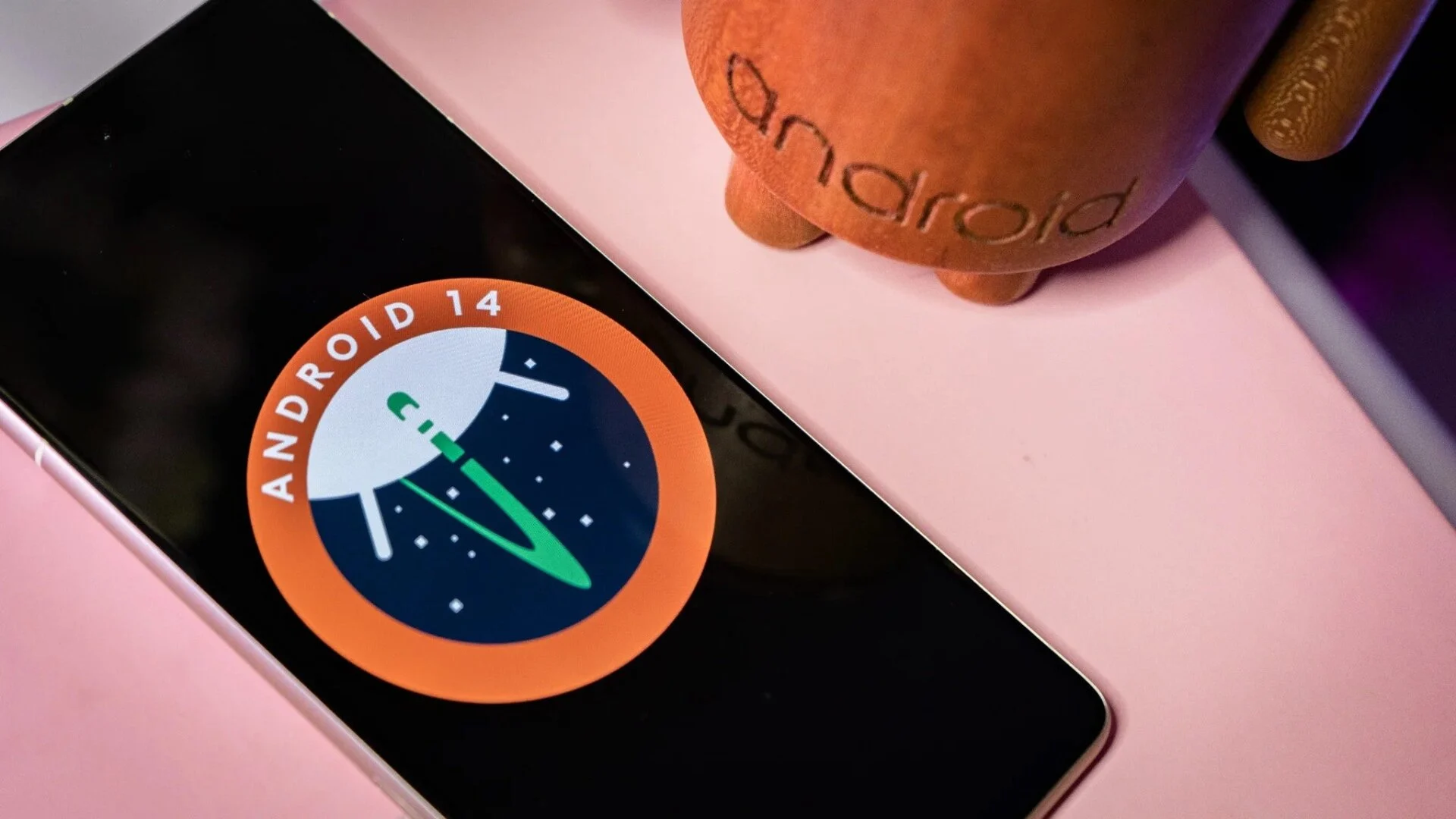
Fortunately, there are several straightforward ways to check whether your phone is eligible for the latest Android version. From official manufacturer announcements to system settings and hardware considerations, understanding these factors will help you quickly figure out your device’s upgrade potential.
Check Official Manufacturer Announcements
The most reliable way to know if your phone will receive Android 16 is to visit the official website or news page of your device’s manufacturer. Brands like Samsung, Google, Xiaomi, and others typically publish update roadmaps that list supported devices.
Look for:
- Software update schedules
- Press releases about Android 16 rollout
- Support pages for your specific model
Look in Your Phone Settings
Your phone itself can give you clues about upgrade eligibility. Navigate to your device settings and check the software update section.
- Go to “Settings”
- Tap “About phone” or “System”
- Select “Software update”
If Android 16 is available or planned, you may see a notification or an option to check for updates. Even if it’s not available yet, some devices indicate upcoming updates.
Know Your Device’s Update Policy
Each manufacturer follows a specific update policy, usually based on the device’s age and category. For example, flagship phones often receive updates for 3–5 years, while budget models may only get 1–2 years of support.
Ask yourself:
- When was my phone released?
- Is it a flagship, mid-range, or budget model?
- How many major Android updates has it already received?
If your device has already reached its update limit, it is unlikely to support Android 16.
Check Your Current Android Version
Your current operating system version can help you estimate whether an upgrade is possible. Devices running relatively recent versions like Android 13, 14, or 15 are more likely candidates for Android 16.
To check:
- Open “Settings”
- Tap “About phone”
- Find “Android version”
If your device is several versions behind, it may not qualify for the latest upgrade.
Evaluate Hardware Capabilities
Even if software support exists, hardware plays a crucial role. Android updates often require more processing power, RAM, and storage.
Key factors include:
- Processor performance
- RAM (at least 4GB is typically recommended)
- Available storage space
Older devices with limited specifications may struggle to run newer versions smoothly, which is why manufacturers sometimes exclude them.
Search for Your Model Online
A quick online search using your phone’s exact model name followed by “Android 16 update” can provide useful insights. Tech forums, news sites, and user communities often discuss update eligibility and rollout timelines.
Be cautious and prioritize information from trusted sources or official announcements to avoid misinformation.
Consider Custom ROMs (Advanced Users)
If your phone is no longer officially supported, installing a custom ROM might be an option. Custom ROMs are modified versions of Android developed by independent communities.
However, this approach:
- Requires technical knowledge
- May void your warranty
- Can introduce security risks if done improperly
Only consider this if you are comfortable with advanced procedures.
In conclusion, determining whether your phone can be upgraded to Android 16 involves a combination of checking official sources, reviewing your device settings, and understanding your phone’s hardware and update history. By following these steps, you can make an informed decision without unnecessary guesswork.
If your device is not eligible, it may be a good opportunity to consider upgrading to a newer model that supports the latest features and security improvements. Staying up to date ensures a smoother, safer, and more enjoyable smartphone experience in the long run.


