
































 (1)-20251204034946188.jpg)




















Welcome to OSCAL (Well-known China brand of Android tablet, rugged smartphone, and portable power station) blog. Hope this guide has been helpful.
WhatsApp is one of the most popular messaging applications for staying connected with friends, family members, and colleagues. However, sometimes you may notice that someone has stopped replying to your messages, their profile picture has disappeared, or your calls do not seem to connect. These changes can make you wonder whether the person has blocked you on WhatsApp.
Although WhatsApp does not directly notify users when they are blocked, several signs may help you understand what is happening. No single indicator can confirm a block with complete certainty because privacy settings, internet connectivity, and account changes can produce similar results. This guide explains how to check the possible signs and interpret them correctly.
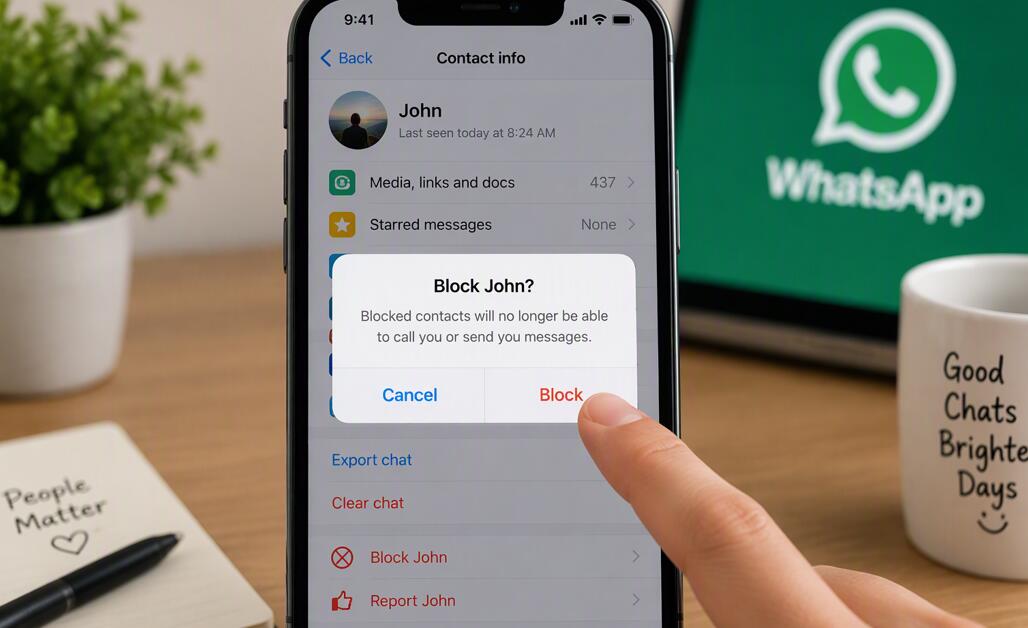
- Read also: How to tell if someone archived you on WhatsApp?
- How to tell if someone muted you on WhatsApp?
- How to block or unblock someone on WhatsApp?
- How to recover deleted WhatsApp messages?
- How to share location with friends on WhatsApp?
How to Check If Someone Has Blocked You on WhatsApp
Follow these steps to look for common indicators that someone may have blocked you. Remember that the results are clues rather than definitive proof.
- Check their last seen or online status: Open the conversation and see whether their last seen or online information is visible. If it is no longer available, they may have blocked you, but they could also have changed their privacy settings.
- Look at their profile picture: Check whether their profile photo has disappeared or stopped updating. This can be a possible sign, although the person may have removed the photo or restricted who can see it.
- Send a message: Send a normal message and observe the delivery indicators. One gray check mark means the message was sent but has not been delivered to the recipient's device. This may happen if you are blocked, but connectivity problems can cause the same result.
- Try a WhatsApp call: Place a voice or video call through WhatsApp. If it does not connect, consider other explanations, such as a poor internet connection or the recipient's device being offline.
- Check group interactions: If you share a WhatsApp group, you may still be able to see the person's messages there. Group visibility does not necessarily mean they have not blocked you.
- Consider all the signs together: Review whether several indicators appear at the same time and persist. Multiple signs may increase your suspicion, but WhatsApp deliberately prevents users from confirming a block with certainty.
What Do WhatsApp Message Check Marks Mean?
Message check marks are useful for understanding delivery status. One gray check mark indicates that a message has been sent to WhatsApp's servers. Two gray check marks indicate that it has been delivered to the recipient's device. Two blue check marks generally indicate that the message has been read, provided read receipts are enabled and applicable.
If your messages consistently show one gray check mark, blocking is one possibility. However, a switched-off phone, an internet outage, or other technical issues can produce the same result.
Why Can You No Longer See Their Profile Picture?
A missing profile picture can be confusing, especially if you could see it previously. However, WhatsApp lets users control who can view their profile photo. The person might have changed their settings, removed the image, or limited visibility to selected contacts.
Therefore, do not assume that a missing picture automatically means you have been blocked. Consider it alongside other indicators before drawing conclusions.
What Happens When You Call Someone Who Blocked You?
WhatsApp calls may not connect successfully when someone has blocked you. However, an unsuccessful call alone does not establish that a block has occurred. The recipient may have poor network coverage, their phone may be switched off, or WhatsApp may not be functioning properly on their device.
Repeatedly calling someone to test whether you are blocked is unlikely to provide a definite answer. It is better to respect their privacy and avoid unnecessary contact.
Can You Still See Someone in a WhatsApp Group?
Blocking does not automatically remove either person from shared WhatsApp groups. You may still see the person's messages in a group where you are both members, and they may still see yours.
Group interactions are therefore not a reliable way to confirm whether someone has blocked you. The experience in shared groups can differ from private conversations.
Can Third-Party Apps Tell You Who Blocked You?
Some third-party applications claim to identify who has blocked you on WhatsApp. Be cautious with these services because they cannot reliably access WhatsApp's private blocking information. They may also request unnecessary permissions or expose your personal data.
Avoid sharing your WhatsApp verification code, account credentials, or private messages with apps that promise to reveal hidden blocking information. Use WhatsApp's built-in features instead.
What Should You Do If You Think Someone Blocked You?
If several signs suggest that someone has blocked you, consider giving them space rather than repeatedly messaging or calling them. There may be reasons for their decision that they do not wish to discuss, and technical circumstances can also create misunderstandings.
If the relationship is important and communication is appropriate, you can consider reaching out through an existing, mutually accepted communication channel. Avoid using alternate accounts or other methods to bypass someone's boundaries.
Conclusion
Several WhatsApp indicators may suggest that someone has blocked you, including missing profile information, messages that remain undelivered, and calls that fail to connect. However, none of these signs independently proves that a block has occurred. Privacy settings, network problems, and account changes can create similar situations.
The best approach is to consider the available evidence calmly and respect the other person's privacy. WhatsApp intentionally keeps blocking information private, so there is no guaranteed method to confirm it. Understanding these limitations can help you avoid unnecessary worry and make more informed decisions about your online communication.


