










































 (1)-20251204034946188.jpg)


































Welcome to OSCAL (Well-known China brand of Android tablet, rugged outdoor smartphone, and portable power station) blog. Hope this guide has been helpful.
Getting lost without internet access is one of the most frustrating travel experiences, especially when you rely on your phone for navigation. Whether you’re exploring a foreign country, driving through rural areas, or simply trying to save mobile data, knowing how to use Google Maps offline can be a real lifesaver.
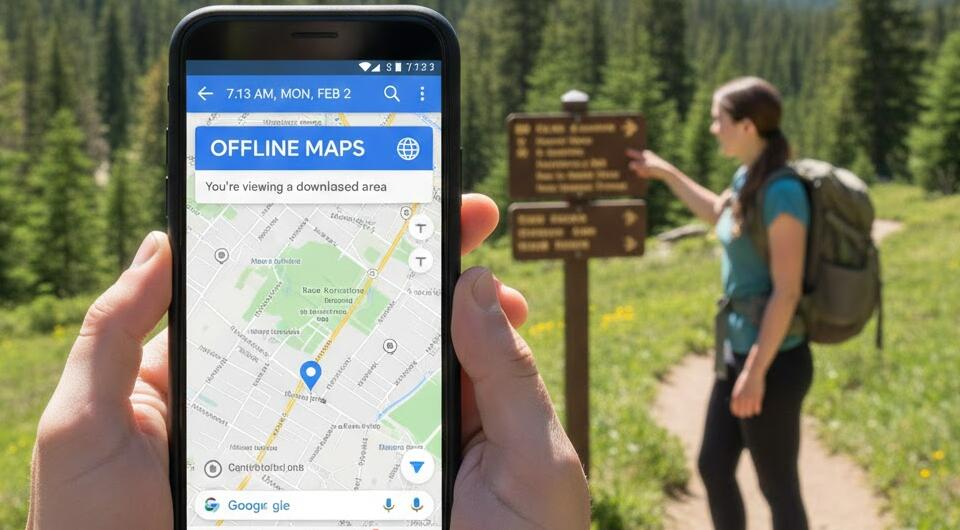
This guide explains everything you need to know about using Google Maps without an internet connection. You’ll learn what works offline, what doesn’t, and how to prepare your maps in advance so you can navigate confidently even when there’s no signal.
Can you use Google Maps offline?
Yes, you can use Google Maps offline, but with some limitations. Google Maps allows you to download specific map areas to your device, which you can then access without an internet connection. These offline maps are especially useful for driving navigation and basic location searches.
When you are offline, Google Maps can still show roads, saved places, and previously downloaded areas. However, features that rely on live data, such as traffic updates or alternative route suggestions, will not be available.
Can Google Maps work without mobile data?
Google Maps can work without mobile data if you have already downloaded offline maps. Once the maps are saved on your device, Google Maps uses GPS to determine your location, which does not require mobile data.
That said, the experience is more limited. Without data, you won’t get real-time traffic conditions, business hours updates, or live rerouting. Still, for basic navigation and orientation, offline maps are more than enough.
Can Google Maps work without Wi-Fi?
Yes, Google Maps can work without WiFi in two different ways. First, if you are using mobile data, WiFi is not necessary at all. Second, if you have no internet access whatsoever, Google Maps can still function using downloaded offline maps.
WiFi is mainly useful for downloading maps ahead of time or searching for new locations online. Once the maps are stored on your phone, WiFi is no longer required for basic navigation within those areas.
What features are available offline?
Understanding what you can and cannot do offline helps set realistic expectations. Offline Google Maps is powerful, but it’s not identical to the online version.
- Turn-by-turn driving navigation
- Viewing downloaded map areas
- Searching for places included in the offline map
- Accessing saved locations like hotels or bookmarks
On the other hand, features like public transit routes, cycling directions, and live traffic updates require an internet connection.
How to use Google Maps offline?
Using Google Maps offline starts with preparation. You need to download the maps you’ll need before losing internet access. This is best done while connected to WiFi to avoid large data usage.
Once offline, simply open Google Maps as usual. As long as you are within a downloaded area, the app will automatically switch to offline mode and continue functioning using GPS.
How do I save offline maps on Google Maps?
Saving offline maps in Google Maps is a straightforward process. Follow these steps carefully to make sure your maps are available when you need them.
- Open the Google Maps app on your phone
- Make sure you are signed into your Google account
- Search for a city, region, or area you want to download
- Tap the place name at the bottom of the screen
- Select “Download” or “Download offline map”
- Adjust the area if needed and confirm the download
After downloading, the map will be stored on your device and accessible even without internet access.
How long do offline maps last?
Offline maps are not permanent. Google Maps typically keeps offline maps for about 30 days before they expire. This is to ensure map data stays relatively up to date.
If you use a downloaded map frequently or have auto-update enabled, Google Maps may refresh it automatically when you reconnect to the internet. Otherwise, you may need to manually update or re-download the map.
Tips for using Google Maps offline effectively
To get the most out of offline Google Maps, a little planning goes a long way. These practical tips can help avoid common problems.
- Download maps in advance while on stable WiFi
- Save important places before going offline
- Keep your phone battery charged or carry a power bank
- Download slightly larger areas in case of detours
These small steps can make offline navigation much smoother and stress-free.
Limitations to keep in mind
While offline maps are extremely useful, they are not perfect. Walking directions, biking routes, and public transportation information usually require an internet connection.
Also, businesses may appear without updated details like reviews or opening hours. For travelers who rely heavily on those features, it’s best to quickly check important information before going offline.
Final thoughts
Google Maps offline mode is a powerful tool for travelers, drivers, and anyone who wants reliable navigation without relying on constant internet access. With a bit of preparation, you can avoid getting lost and reduce your dependence on mobile data.
By downloading maps in advance and understanding the limitations, you’ll be well-equipped to navigate confidently anywhere. Whether you’re exploring a new city or commuting through low-signal areas, offline Google Maps can keep you on the right path.


