
























 (1)-20251204034946188.jpg)


































Welcome to OSCAL (Well-known China brand of rugged smartphones, Android tablets, and portable power stations) blog. Hope this guide has been helpful.
Smartphones have become powerful mini-computers, handling everything from gaming and video editing to multitasking between dozens of apps. Because of this, many users wonder whether they can upgrade their phone’s RAM the same way they would on a laptop or desktop. More RAM usually means smoother performance, faster app switching, and better handling of demanding tasks, so the idea is understandably appealing.
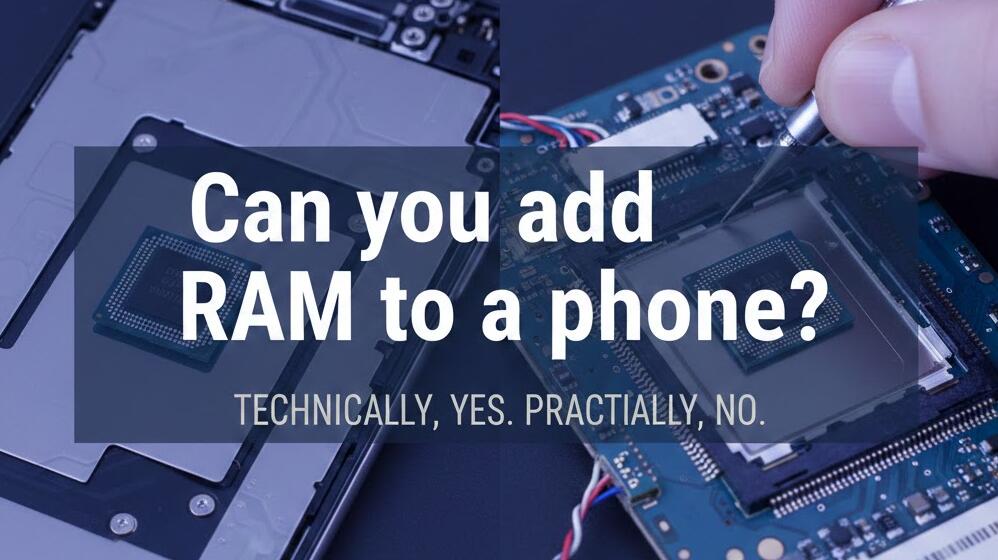
However, phones are built very differently from traditional computers. Their compact design, integrated components, and tightly controlled hardware–software relationship make hardware upgrades far more limited. Before attempting any modification, it’s important to understand how phone memory works and what your realistic options are.
Why You Can’t Physically Upgrade Phone RAM
In most smartphones, RAM is soldered directly onto the motherboard. This means it is permanently attached and not designed to be removed or replaced. Unlike PCs, there are no accessible slots or modular memory sticks inside a phone. Even if you open the device, upgrading the RAM would require advanced micro-soldering equipment, specialized chips, and technical schematics that are not publicly available.
Additionally, phone processors and RAM are often paired and optimized together. The operating system expects a specific memory configuration, and changing it could prevent the device from booting. For the vast majority of users, a physical RAM upgrade is simply not practical or safe.
What About “Virtual RAM” Features?
Many modern Android phones offer a feature called virtual RAM, RAM expansion, or memory extension. This does not actually add new physical memory. Instead, the phone uses a portion of internal storage as temporary memory when the real RAM is full.
- It helps keep more apps open in the background
- It can slightly improve multitasking
- It does not make the phone as fast as real RAM would
Because storage is much slower than RAM, performance gains are modest. You may notice fewer app reloads, but heavy gaming and intensive tasks will not see dramatic improvements.
Ways to Improve Performance Without Adding RAM
Even though you can’t physically install more RAM, there are several effective ways to make your phone run more smoothly:
- Uninstall unused apps that consume memory in the background
- Disable or limit background processes in developer settings (Android)
- Use lightweight versions of apps where available
- Keep your system updated for better memory optimization
- Restart your phone regularly to clear cached processes
These steps free up existing RAM and reduce unnecessary load, which often leads to noticeable performance improvements.
When More RAM Actually Matters
Not everyone needs a high-RAM phone. Casual users who browse the web, use social media, and stream videos can function comfortably with moderate memory. More RAM becomes important if you:
- Play graphics-intensive mobile games
- Edit videos or large photos
- Use split-screen multitasking frequently
- Keep many apps open at the same time
If your current device struggles with these tasks, upgrading to a new phone with higher RAM is the only reliable long-term solution.
Choosing Your Next Phone Wisely
When buying a new phone, consider RAM as a future-proofing factor. Whatever for regular smartphones or rugged phones. Operating systems and apps become more demanding over time, so having extra memory helps your device stay fast for longer. Pairing sufficient RAM with a capable processor and fast storage will provide the best overall performance.
It’s also worth checking how well the manufacturer optimizes its software. A well-optimized phone with moderate RAM can outperform a poorly optimized device with more memory.
In conclusion, physically adding more RAM to a smartphone is not feasible due to its integrated hardware design. While virtual RAM features and performance tweaks can help slightly, they cannot replace real memory. Understanding these limitations can save you time, money, and potential damage to your device.
If you find your phone consistently slowing down, the most practical path is to manage your apps carefully or consider upgrading to a model with more RAM. Choosing the right amount from the start remains the best way to ensure smooth performance throughout your phone’s lifespan.