














 (1)-20251204034946188.jpg)













Welcome to OSCAL (Well-known Chinese brand of rugged outdoor smartphone, Android tablet, projector, and portable power station) blog. Hope this guide has been helpful.
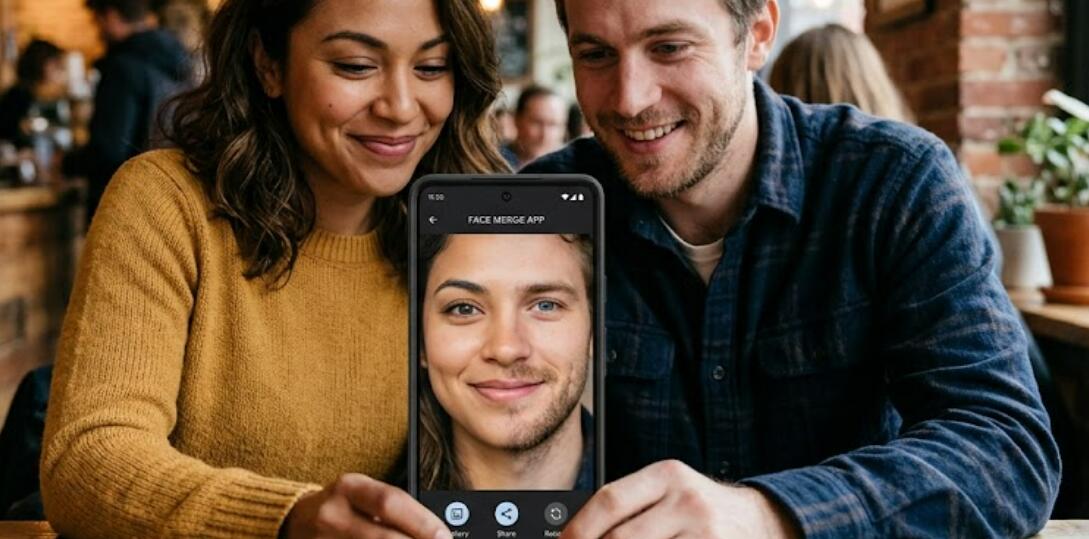
Face merge technology has become one of the most entertaining trends in mobile photography. Whether people want to create funny hybrid portraits, experiment with AI-generated combinations, or produce creative social media content, Android apps now make it possible to blend two faces together within seconds. These apps use artificial intelligence, facial mapping, and photo editing tools to generate realistic or artistic combinations from two separate images.
- Read also: Male Version Filter Apps & Online Sites: See what you look like as a man
- How to remove wrinkles from clothes in your photo for free?
- Best app to remove wrinkles from clothes in photos (Android/iOS)
- How to remove people from a photo with AI?
- Best free palm reading scanner app for Android/iOS
Many Android users search for free apps that can merge faces without requiring professional editing skills. The best options combine ease of use with automatic AI detection, allowing users to upload selfies, adjust facial alignment, and create shareable results quickly. Below is a carefully selected list of five free Android mobile apps that offer face merging features and creative editing tools for combining two faces into one image.
The 5 Free Face Merge Apps for Android
- FaceApp
- Reface
- FacePlay
- MixBooth
- PhotoDirector
1. FaceApp
FaceApp is one of the most popular AI-powered photo editing applications available for Android devices. Although it is widely known for aging filters and hairstyle transformations, the app also provides advanced face morphing and blending tools that allow users to merge two faces together realistically. The AI engine detects facial landmarks automatically, making the process smooth and beginner-friendly.
Users can upload two selfies and experiment with different fusion styles. The app intelligently combines facial structures, skin tones, and expressions to create a natural-looking hybrid portrait. The results are often highly detailed because the software uses machine learning to analyze both images before blending them.
Another advantage of FaceApp is its clean interface. Even first-time users can quickly navigate through editing menus without confusion. Most of the core face merge functions are available for free, although some advanced filters may require optional premium access.
FaceApp also supports direct sharing to social media platforms, making it useful for creating entertaining content for friends, family, or online audiences. Its realistic rendering technology helps it stand out among many free Android editing apps.
2. Reface
Reface is best known for AI face swapping in videos and GIFs, but it also includes impressive face merging capabilities. The app uses advanced neural network technology to analyze facial expressions and combine features from two separate photos into one blended result.
One of the biggest strengths of Reface is its speed. Users can upload pictures and generate merged images within seconds. The software automatically adjusts proportions, lighting, and facial positioning, which reduces the need for manual editing.
The app includes many creative templates that allow users to place merged faces into movie scenes, animations, and viral meme formats. This makes Reface particularly attractive for people who enjoy humorous or social-media-friendly content creation.
Although the free version includes advertisements and some limitations, it still provides enough features for casual users who simply want to experiment with AI face blending on Android devices.
3. FacePlay
FacePlay has become increasingly popular because of its AI-driven transformation features. The app focuses heavily on entertainment and visual effects, offering face merge options that can generate artistic, cinematic, or fantasy-style portraits.
Users can combine two faces while applying additional visual themes such as historical costumes, cartoon effects, or futuristic filters. The AI system tracks facial structures accurately, which helps create seamless combinations even when the source photos have different angles or lighting conditions.
The app is especially appealing for short-form video creation. Many people use FacePlay to create viral clips for platforms like TikTok and Instagram. Its face fusion technology works in both static images and animated templates. Read more: The 9 top popular Instagram filters.
FacePlay offers many free editing features, though premium upgrades unlock additional effects and export options. Even with the free version, Android users can create entertaining merged portraits with minimal effort.
4. MixBooth
MixBooth is a lightweight Android app designed specifically for mixing faces together. Unlike some AI-heavy editing platforms, MixBooth keeps things simple and focuses directly on combining two faces into one funny or experimental image.
The app allows users to either capture new photos with the camera or upload existing images from the gallery. After selecting two faces, the software automatically aligns eyes, noses, and mouths before generating the merged result.
One of the reasons many Android users appreciate MixBooth is its simplicity. There are no complicated editing menus or advanced tools that might overwhelm beginners. The app works well for quick entertainment and casual experimentation.
MixBooth also performs efficiently on older Android smartphones because it does not require extremely powerful hardware. This makes it a practical option for users who want face merge functionality without installing a large resource-intensive application.
5. PhotoDirector
PhotoDirector is a versatile photo editing app that combines traditional editing tools with AI-powered effects. Among its many features is the ability to blend faces and create artistic composite portraits using advanced masking and layering technology.
Unlike simpler apps that rely entirely on automatic processing, PhotoDirector gives users greater control over the final image. Users can manually adjust blending intensity, facial alignment, and transition smoothness for more customized results.
The app also includes beauty filters, background editing tools, and AI enhancement features that improve the overall appearance of merged portraits. This makes it suitable for users who want more polished and professional-looking outcomes.
PhotoDirector’s free version includes many useful features for Android users, while optional premium tools expand creative possibilities further. For people interested in both face merging and complete mobile photo editing, it is one of the strongest all-around choices available.
How Face Merge Apps Work
Most modern face merge apps rely on artificial intelligence and facial recognition technology. The software identifies important facial landmarks such as eyes, nose shape, lips, jawline, and skin texture before blending them into a unified image.
Some apps focus on realistic combinations, while others prioritize artistic or humorous effects. Advanced applications use machine learning models trained on thousands of faces to improve alignment accuracy and produce natural-looking results.
Lighting conditions, image quality, and facial angles all affect the final output. Clear front-facing selfies with balanced lighting usually provide the best merging performance.
Tips for Creating Better Face Merge Results
Using high-resolution selfies significantly improves the quality of merged images. Blurry or poorly lit photos can confuse AI detection systems and create distorted outcomes.
It is also helpful to use photos where both faces are positioned similarly. Matching angles and expressions allow the software to blend facial structures more accurately.
Users should experiment with multiple apps because each platform uses different AI methods. Some apps produce more realistic combinations, while others create stylized or exaggerated effects.
Are Free Face Merge Apps Safe?
Most well-known Android face merge apps are generally safe when downloaded from official app stores. However, users should always review permissions before installation.
Some apps may request access to storage, camera functions, or cloud processing systems. Reading privacy policies can help users understand how uploaded images are stored or processed.
To improve security, users should avoid downloading unofficial APK versions from unknown websites because they may contain malware or harmful software.
Which is the best budget tablet to run these apps?
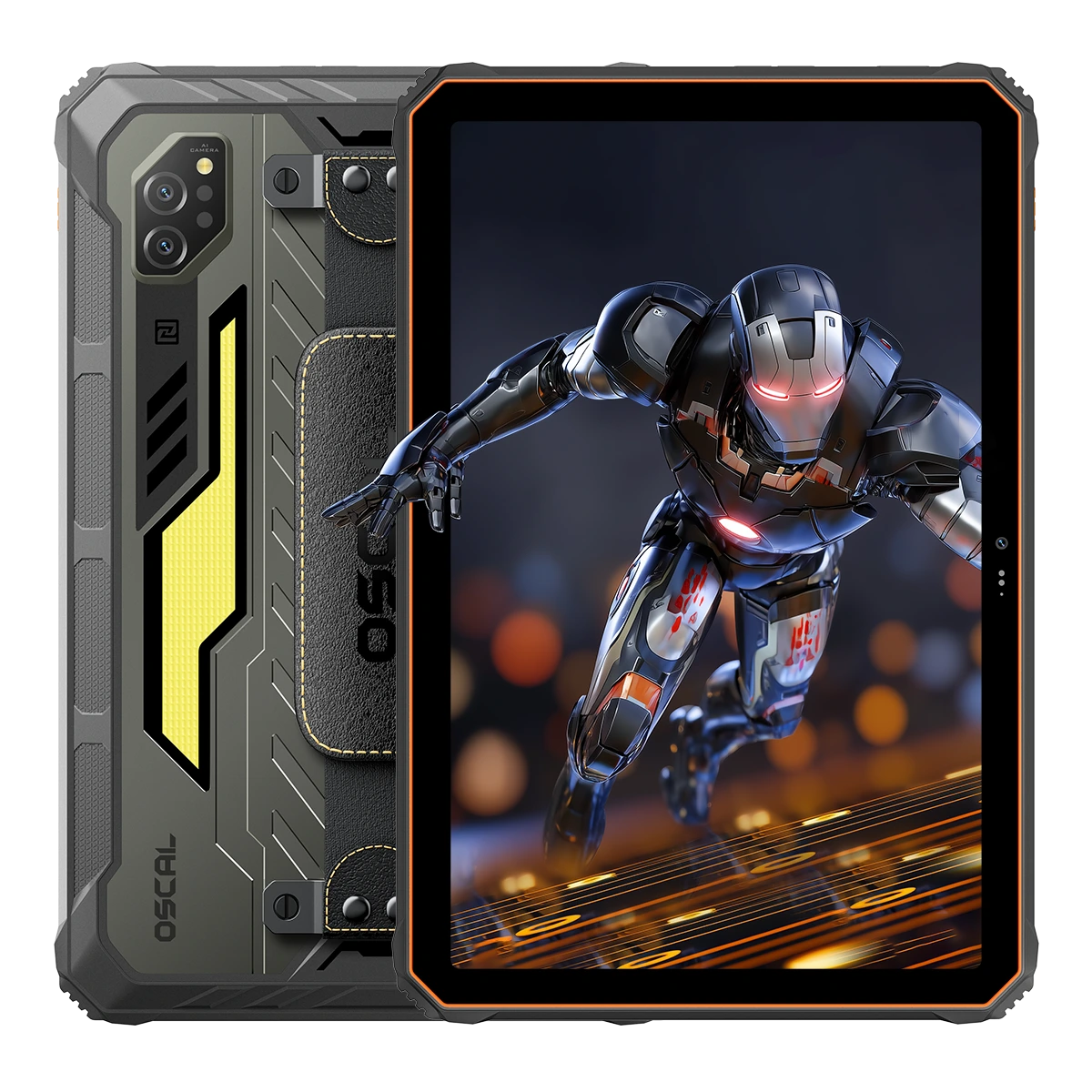
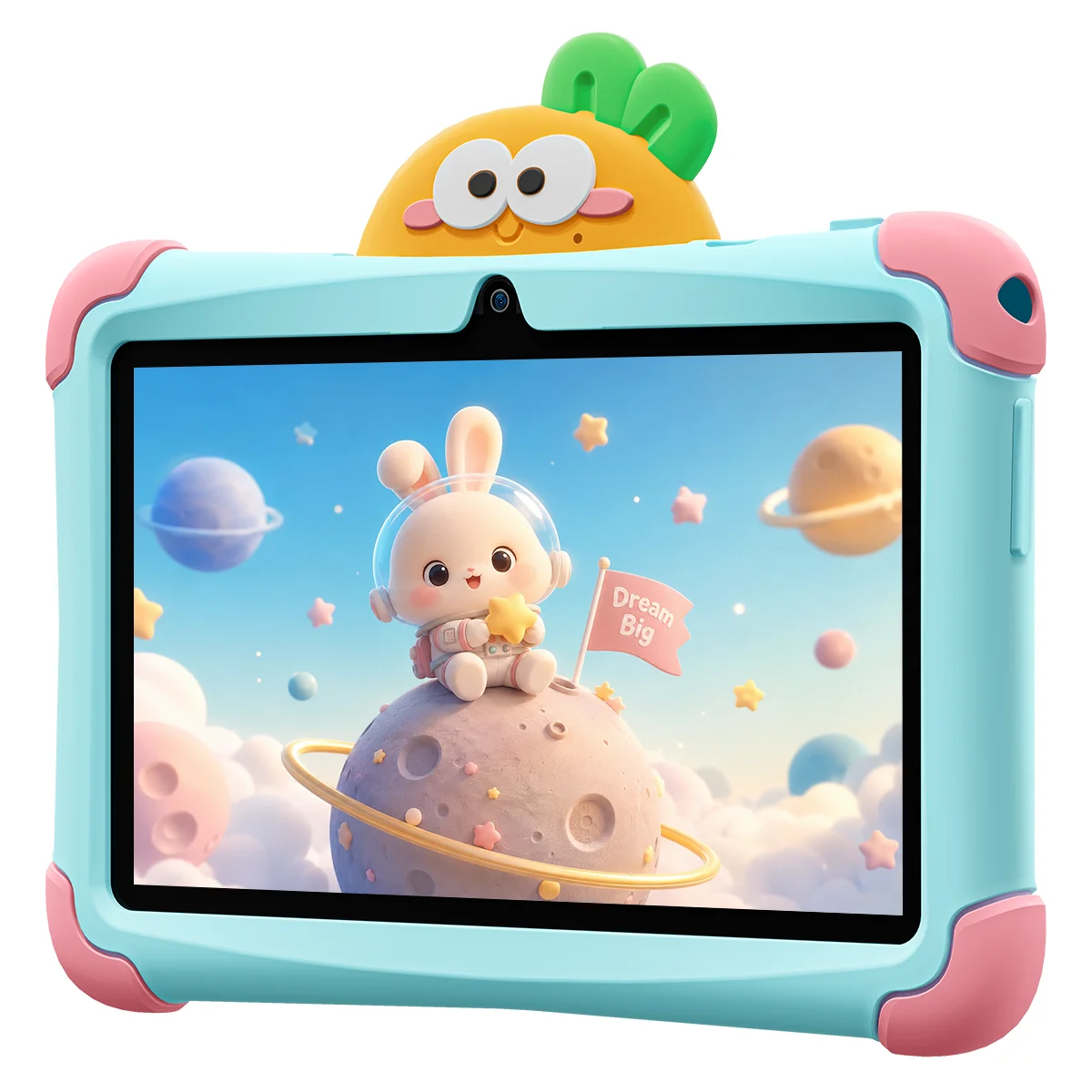
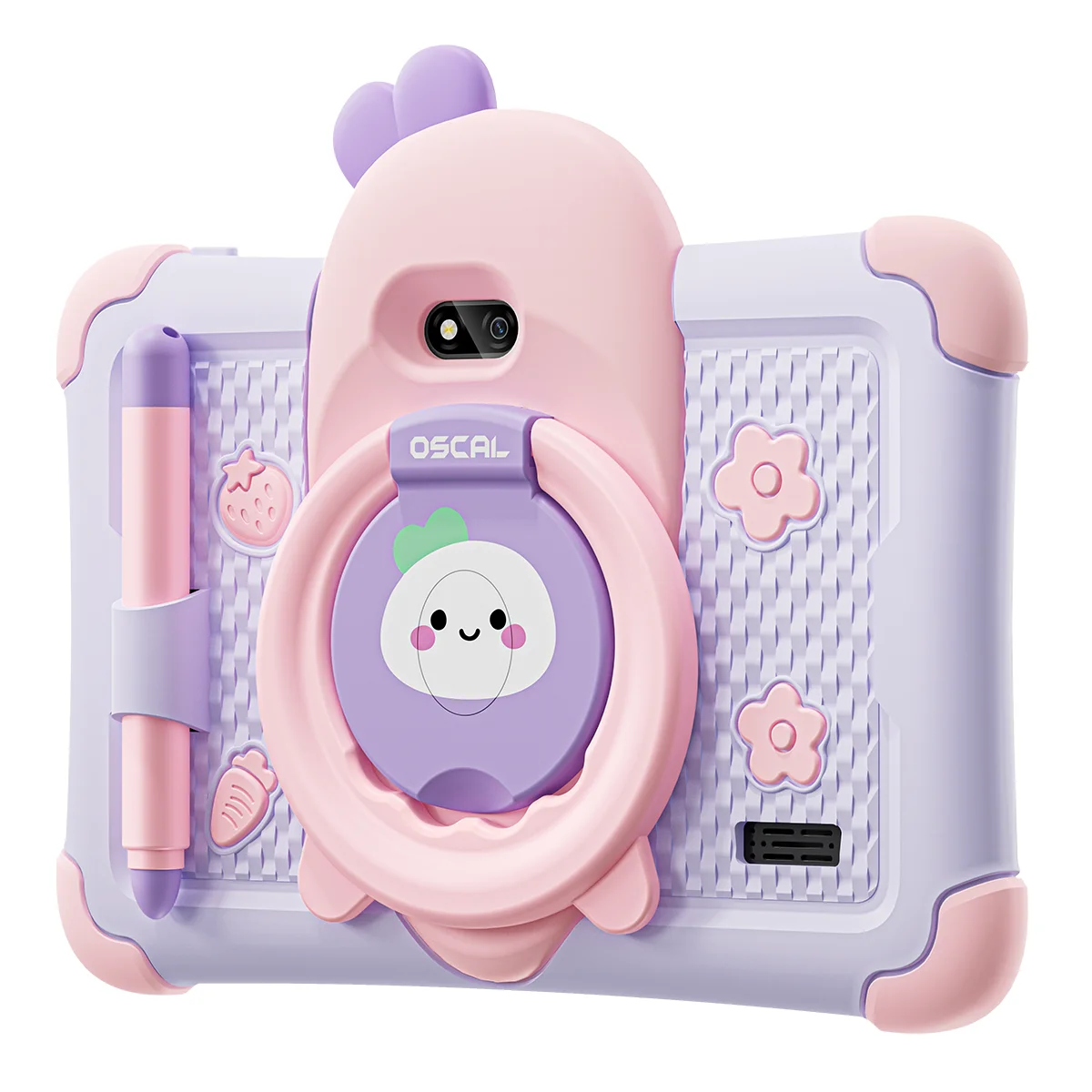
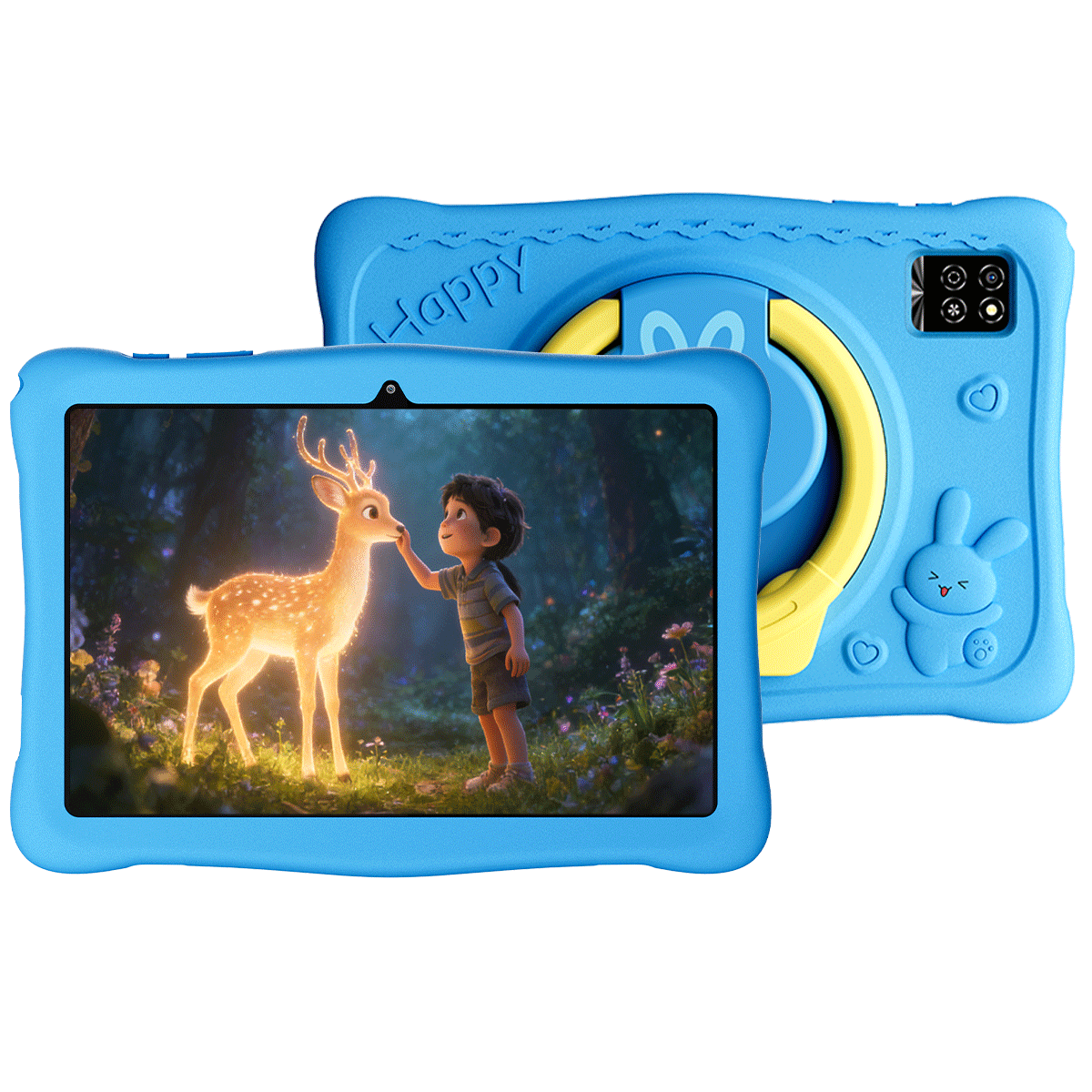
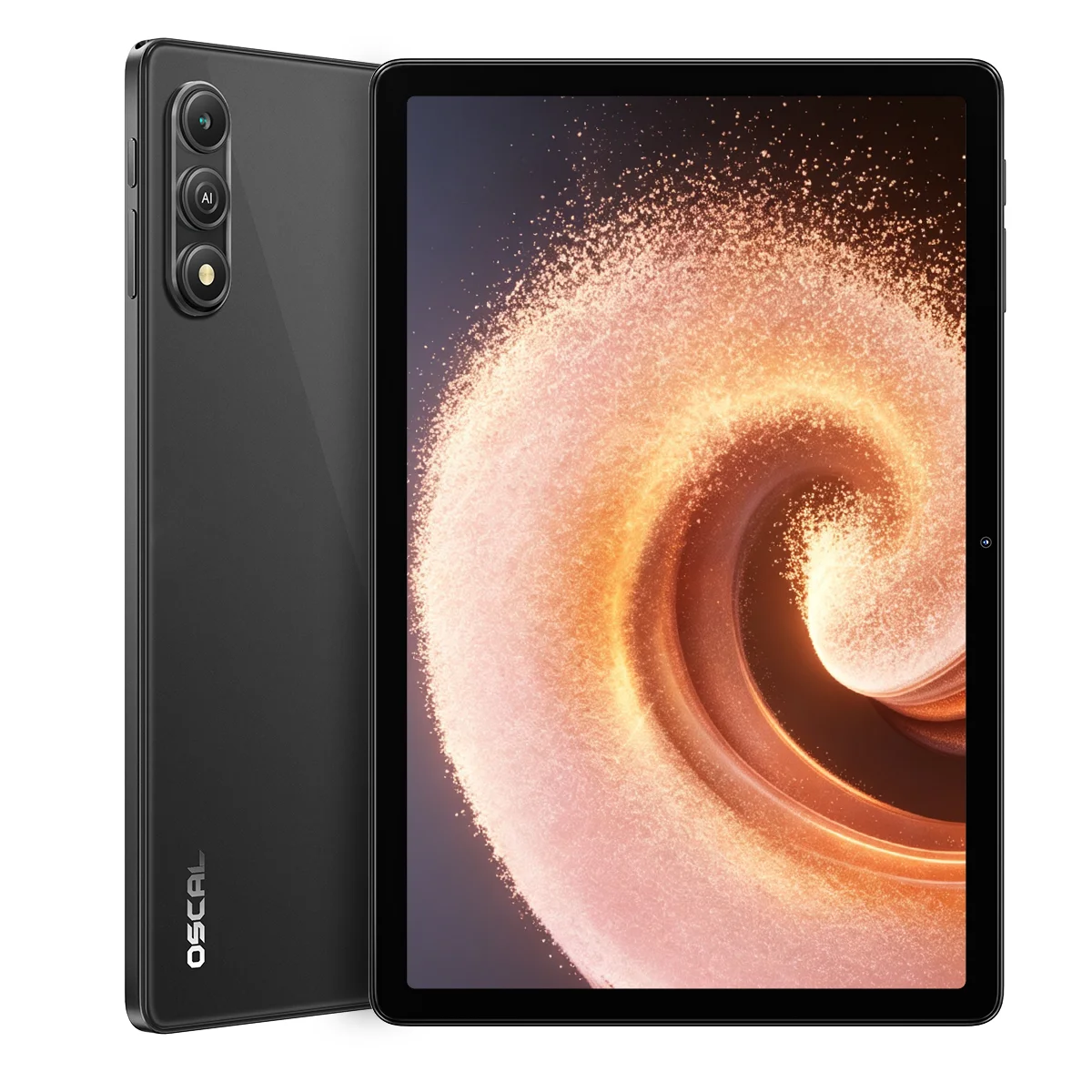
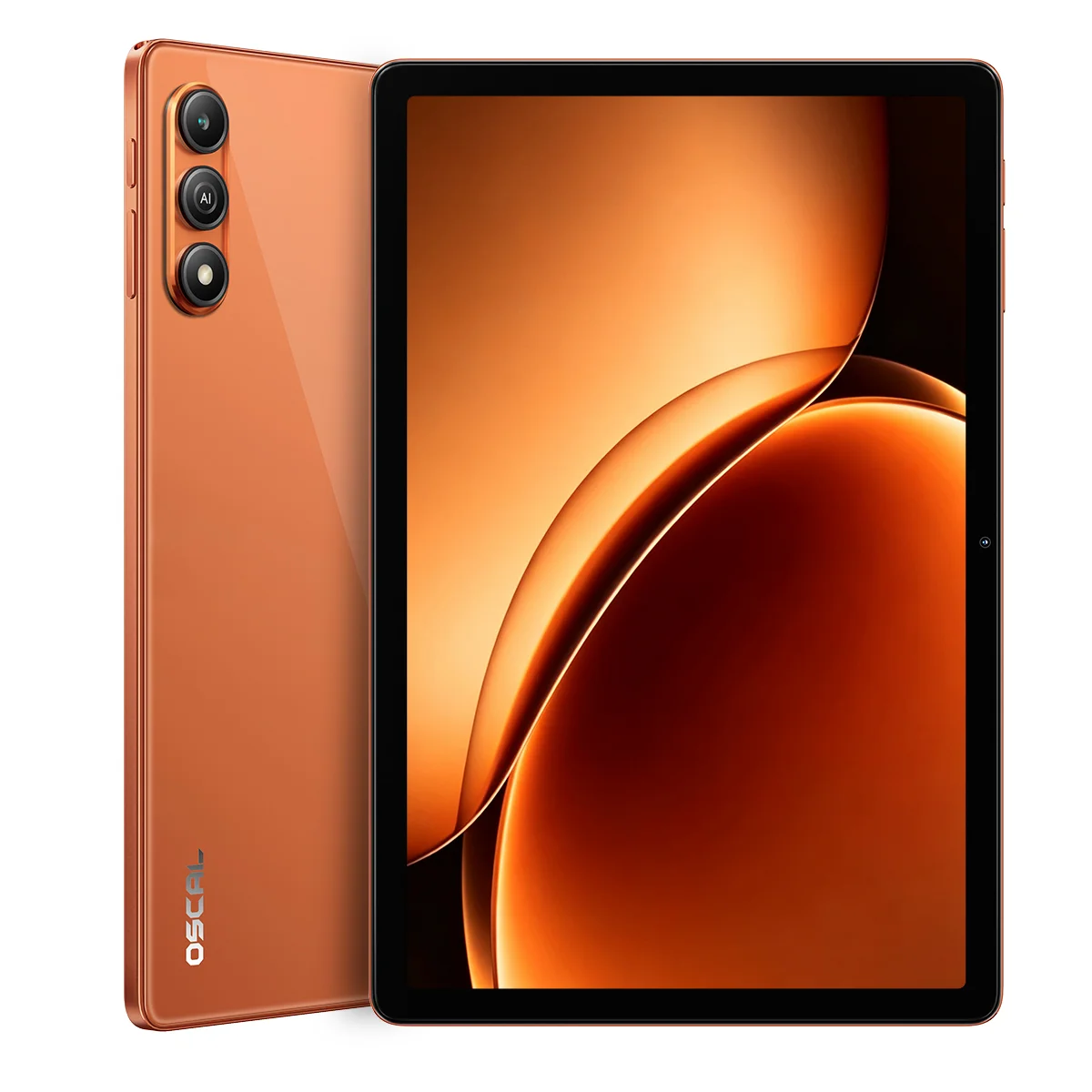
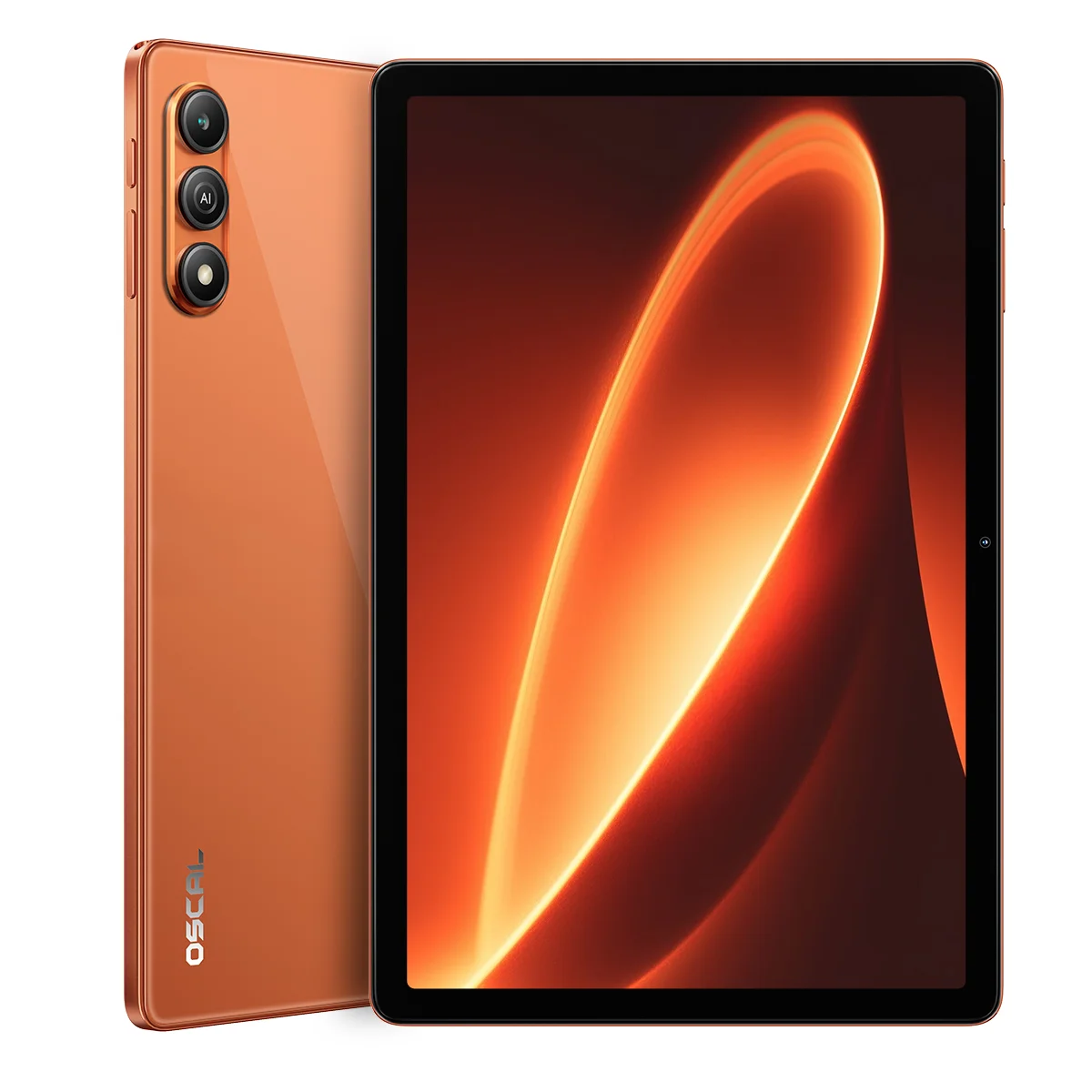
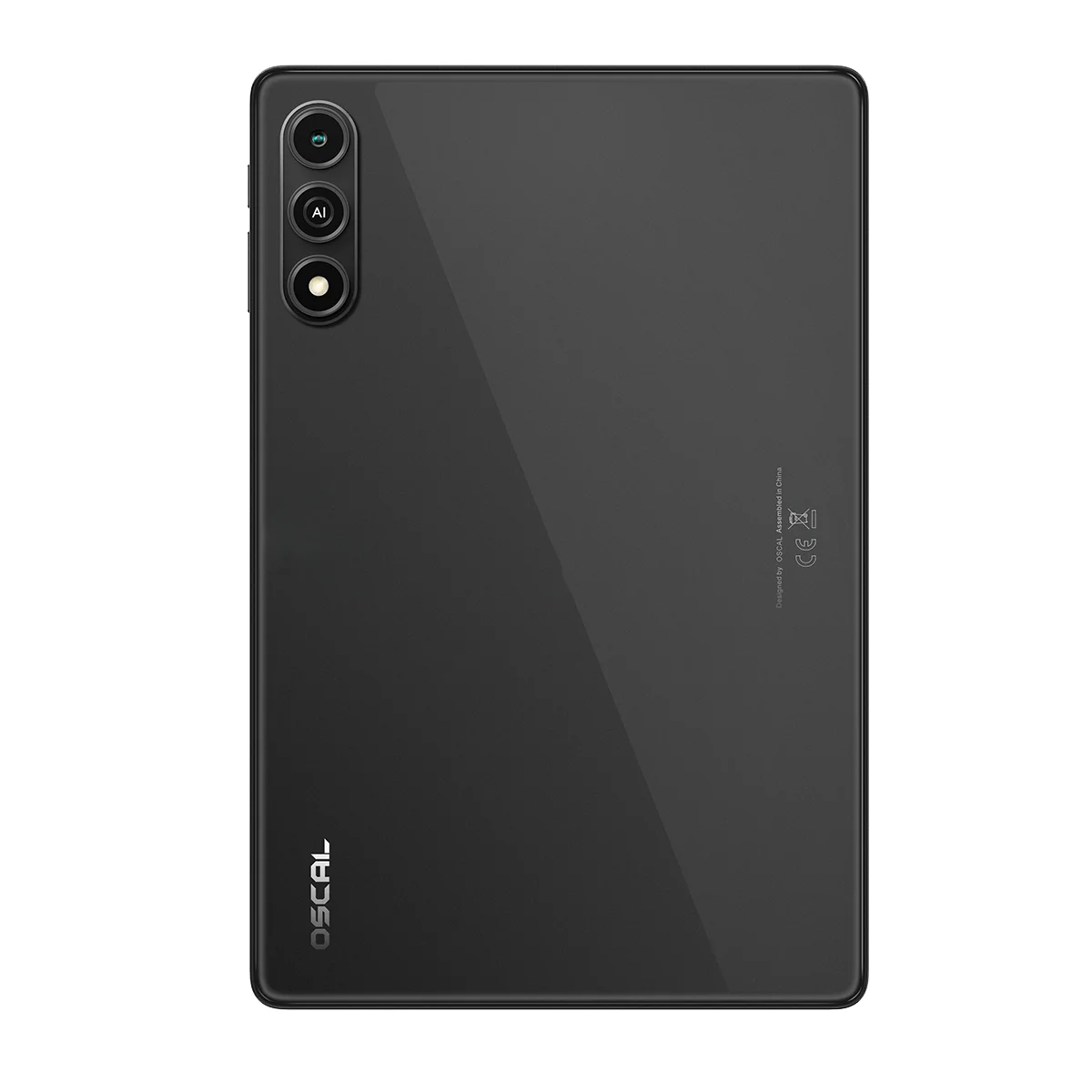
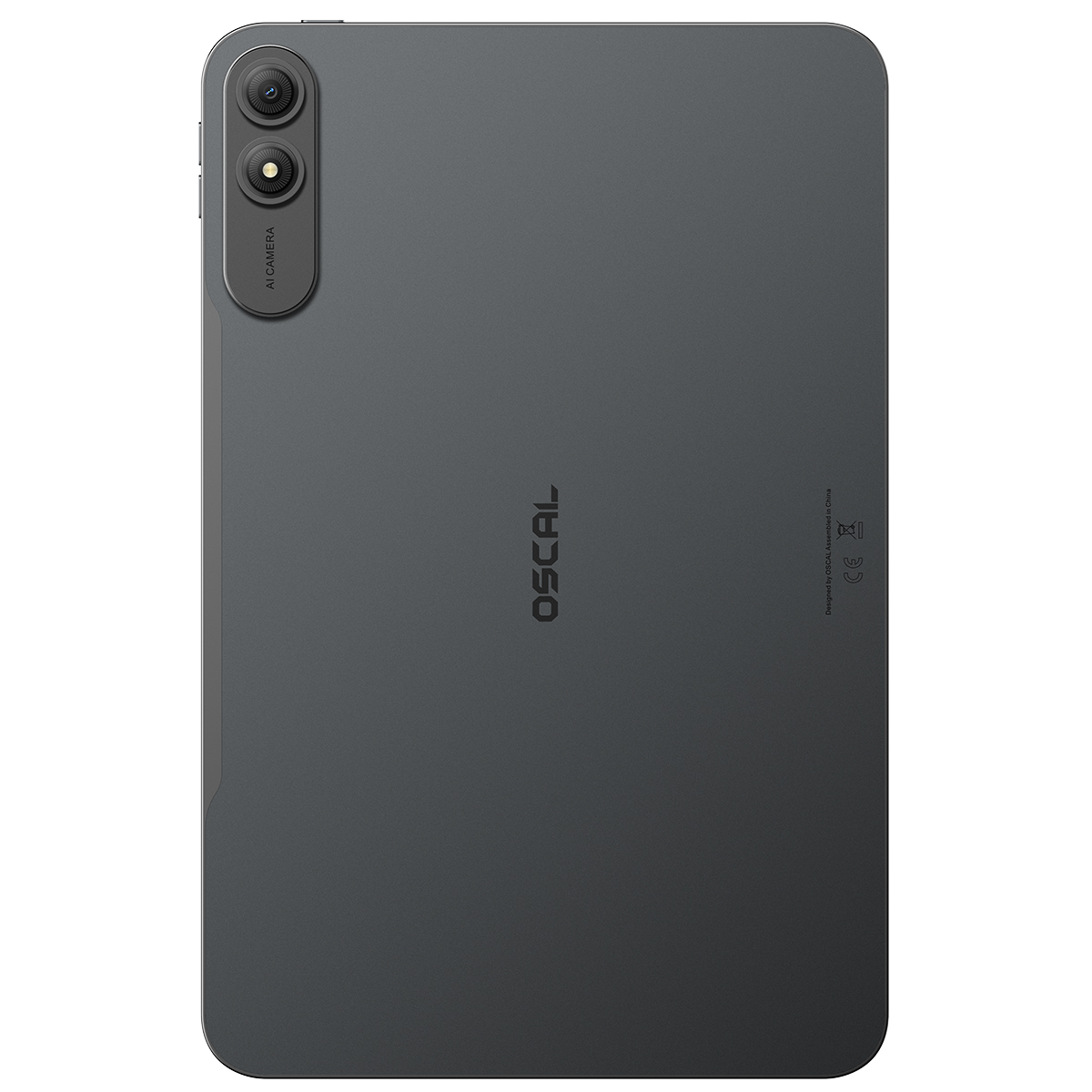
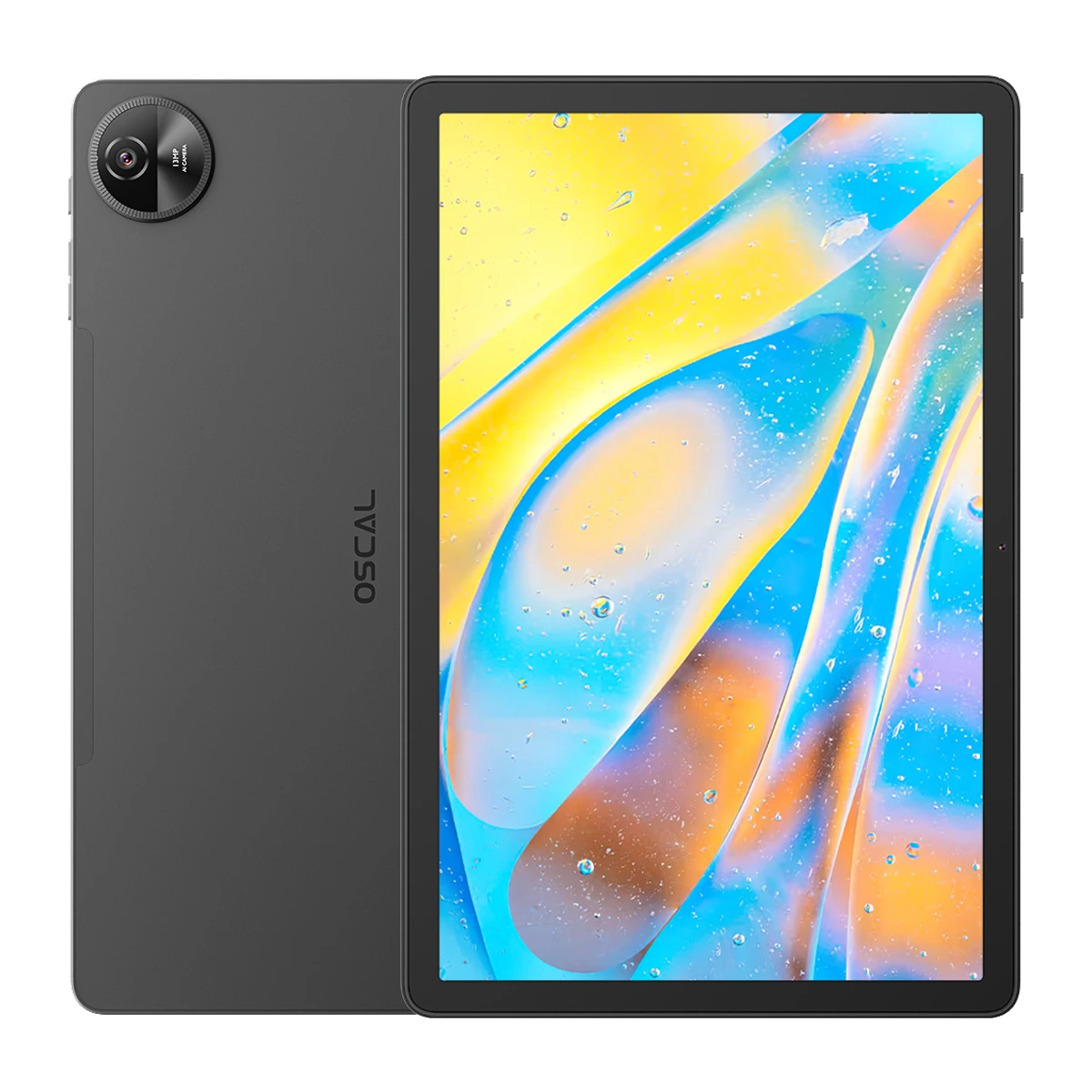
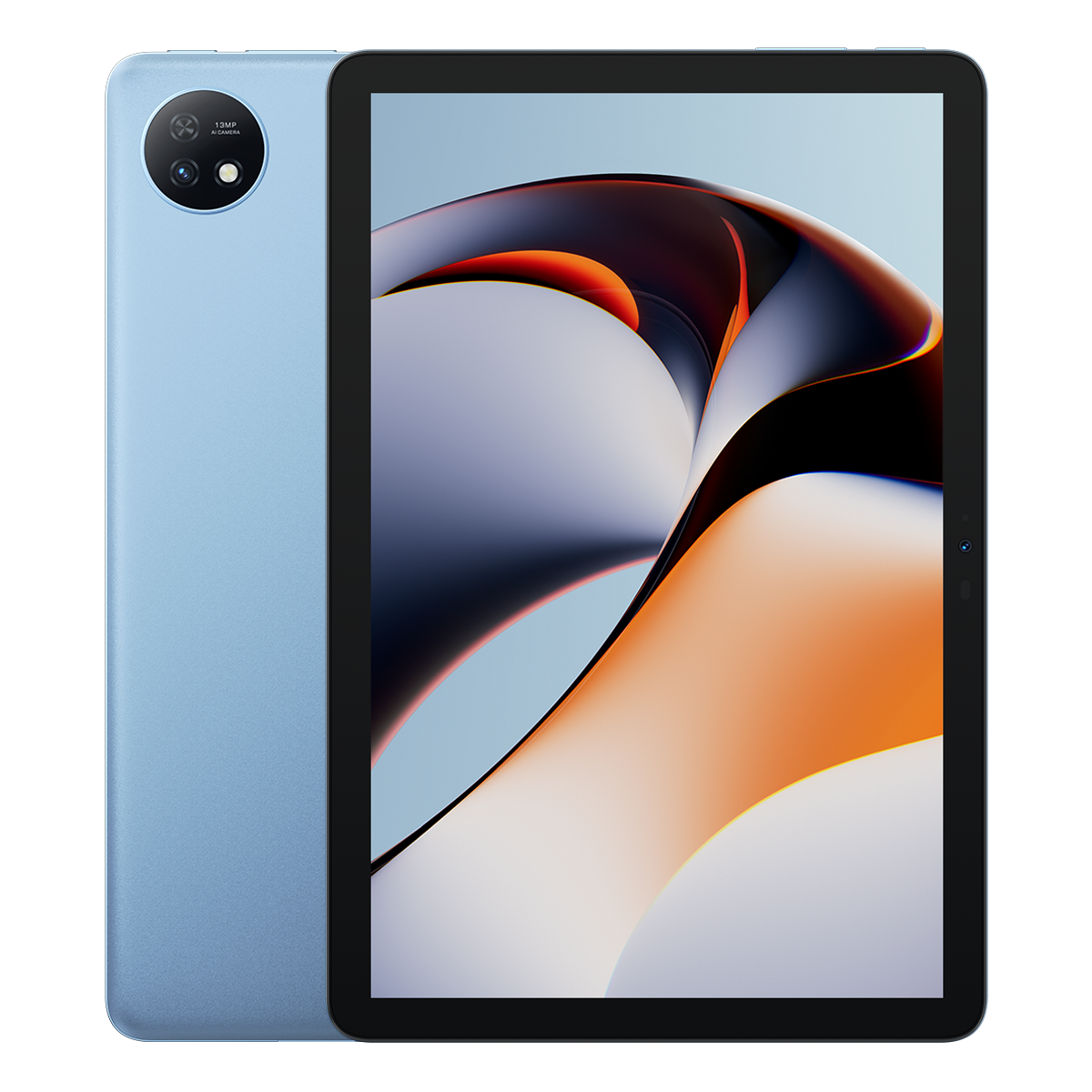
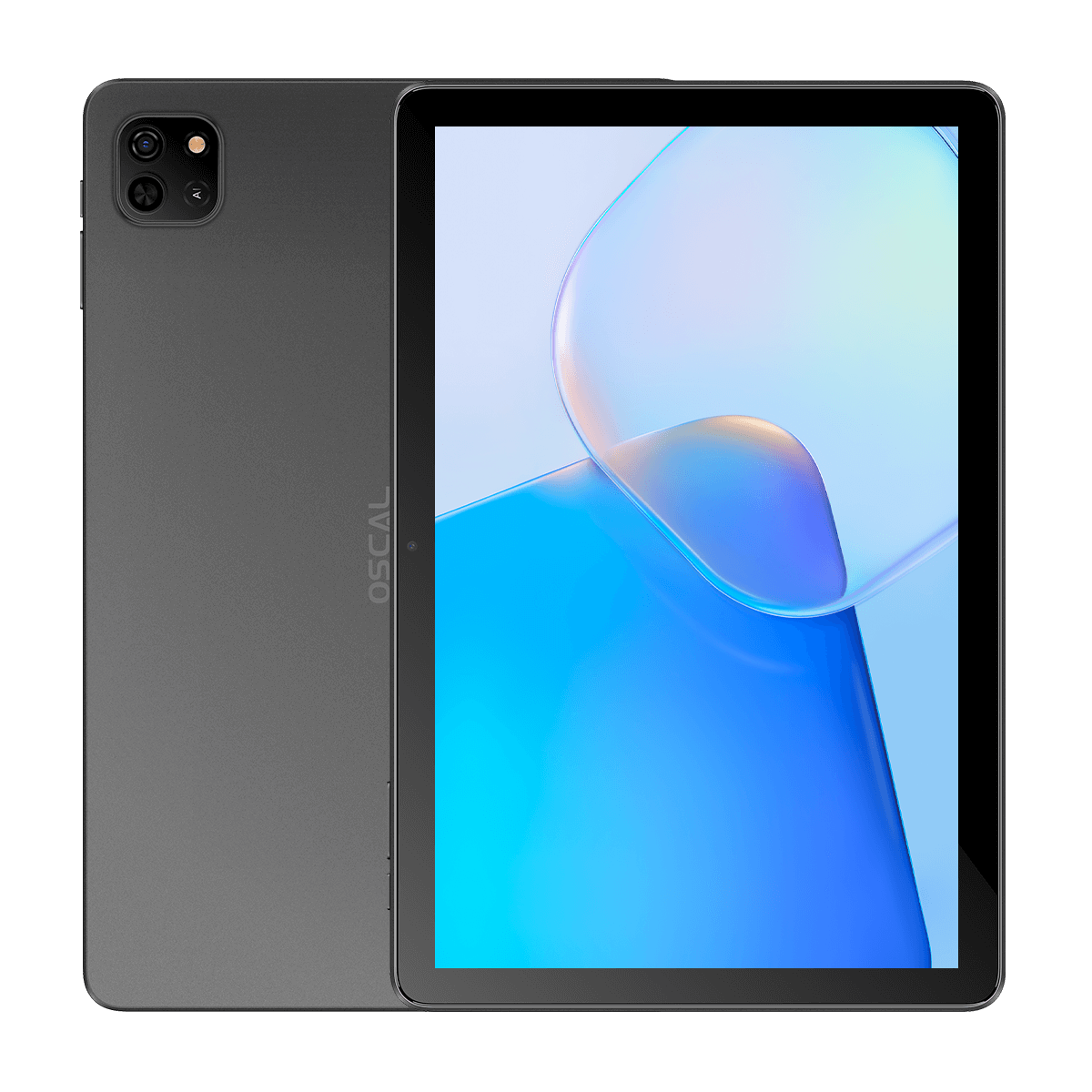
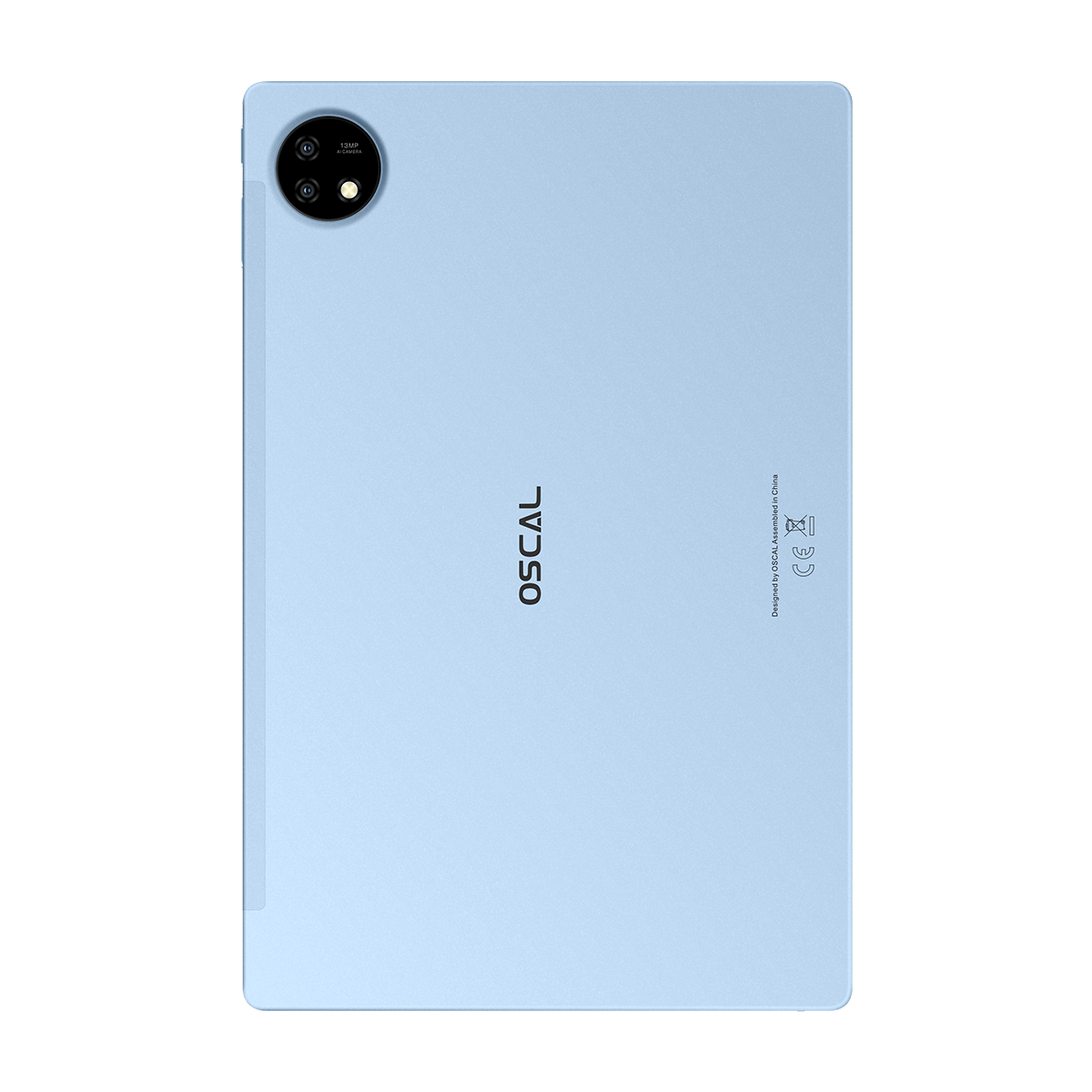
Budget Android tablets with at least 6GB of RAM and a modern processor can run face merge apps smoothly. Devices such as the Blackview MEGA 1, Blackview MEGA 2, and OSCAL Pad 100 are affordable options that support AI-powered editing applications effectively.
A larger display can improve the editing experience because users can better preview facial alignment and image details. Tablets also provide more comfortable multitasking when editing photos or creating short videos.
Storage capacity matters as well. Since many face editing apps generate multiple saved images and videos, choosing a tablet with expandable microSD storage can be helpful for long-term use.
Can These Apps Be Used for Social Media Content?
Yes, many Android users create merged face images and videos specifically for platforms such as Instagram, TikTok, Snapchat, and Facebook. AI-generated hybrid portraits often attract attention because they are entertaining and visually unique.
Some apps even include built-in templates optimized for short-form video content. These templates automatically resize outputs for mobile-friendly social media formats.
Creators frequently use face merge effects for comedy videos, trend participation, reaction content, and digital art experiments.
Do Face Merge Apps Require Internet Access?
Some applications process images directly on the device, while others rely on cloud-based AI servers. Apps that use online AI rendering often require a stable internet connection for generating advanced face combinations.
Offline-capable apps may work faster on basic edits, but cloud-based systems usually produce more detailed and realistic results because they use stronger remote processing technology.
Users with slower internet connections may notice longer rendering times when using AI-intensive features.
FAQs
Are these face merge apps completely free?
Most of these Android apps offer free versions with essential face merging tools. However, some advanced filters, exports, or premium templates may require optional subscriptions.
Can I merge celebrity faces with my own?
Yes, users can upload celebrity images along with selfies to create entertaining blended portraits, provided the images are available in their gallery.
Do these apps work on older Android phones?
Lightweight apps such as MixBooth work well on older devices, while AI-heavy applications may perform better on newer smartphones with stronger processors.
Which app creates the most realistic results?
FaceApp and PhotoDirector are generally known for producing more realistic facial combinations because of their advanced AI rendering systems.
Can I save merged photos in high resolution?
Many apps allow high-resolution exports, although some may restrict HD downloads to premium users.
Conclusion
Face merge technology continues to evolve rapidly, giving Android users access to creative editing tools that once required professional software. Whether the goal is entertainment, artistic experimentation, or viral social media content, these free apps provide fast and accessible ways to combine two faces into one image.
By experimenting with different apps, lighting conditions, and editing styles, users can create unique portraits that range from realistic hybrids to humorous digital artwork. As AI photo editing becomes more advanced, Android face merge applications will likely continue introducing even more impressive features in the future.


