
















 (1)-20251204034946188.jpg)














Welcome to OSCAL (A well-known China brand of TWS wireless earbuds, rugged phone, tablet, and portable power station) blog. Hope this guide has been helpful.
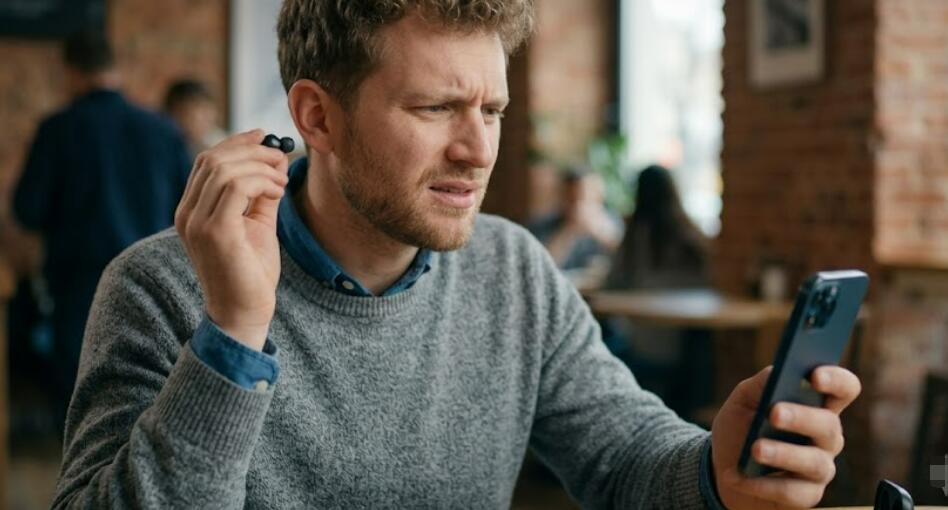
It can be frustrating when only one earbud works while the other remains silent. Whether you are using wireless Bluetooth earbuds or traditional wired earphones, this issue is fairly common and is often caused by connection problems, dirt buildup, incorrect audio settings, damaged cables, or pairing errors. Fortunately, many of these problems can be resolved without replacing your earbuds.
- Read also: How to fix earbuds that stopped charging?
- How to reset Bluetooth earbuds with no buttons?
- How to fix Bluetooth earbuds connected but no sound?
- My earbuds appear as two devices, how to fix?
Before assuming your earbuds are broken, it is worth trying a few troubleshooting methods. In many cases, resetting the earbuds, cleaning them, reconnecting the device, or checking the audio balance settings is enough to restore sound to both sides. This guide walks you through practical steps to diagnose and fix the problem for both wireless and wired earbuds.
Common Reasons Why Only One Earbud Works
Understanding the possible causes can help you identify the correct solution more quickly. The issue may result from either hardware or software problems.
- Bluetooth pairing errors
- Low battery in one wireless earbud
- Dust or earwax blocking the speaker
- Loose or damaged headphone cable
- Incorrect audio balance settings
- Outdated device software or firmware
- Faulty headphone jack or charging case
- Physical damage from drops or water exposure
Step 1: Check the Battery Level
If you are using wireless earbuds, one earbud may simply have a low or empty battery. Sometimes one earbud charges properly while the other fails to make contact with the charging pins.
- Place both earbuds back into the charging case.
- Check that each earbud is seated correctly.
- Clean the charging contacts if necessary.
- Allow the earbuds to charge for at least 20–30 minutes.
- Reconnect them and test the audio again.
Step 2: Restart Your Device
Temporary software glitches on your smartphone, tablet, laptop, or computer can interfere with audio output. Restarting the connected device often refreshes the Bluetooth or audio system.
- Turn off your device completely.
- Wait about 30 seconds.
- Turn the device back on.
- Reconnect the earbuds.
- Play audio to check whether both earbuds are working.
Step 3: Reconnect the Earbuds
Wireless earbuds occasionally lose synchronization with each other or with the connected device. Removing and pairing them again can solve many connection-related issues.
- Open the Bluetooth settings on your device.
- Select your earbuds.
- Choose Forget or Remove Device.
- Place both earbuds into the charging case.
- Take them out and enter pairing mode.
- Reconnect them to your device.
- Test both earbuds.
Step 4: Reset the Wireless Earbuds
Many Bluetooth earbuds include a factory reset option that restores the original settings and fixes synchronization problems. The exact process varies by manufacturer, but the general steps are similar.
- Place both earbuds inside the charging case.
- Press and hold the reset or touch controls for the required amount of time.
- Wait until the indicator lights flash.
- Remove the earbuds from the case.
- Pair them with your device again.
Step 5: Clean the Earbuds Thoroughly
Earwax, dust, and debris can block the speaker mesh, making it appear as though one earbud has stopped working. Regular cleaning helps maintain sound quality and prevents blockages.
- Turn off the earbuds before cleaning.
- Use a soft, dry brush to remove debris.
- Clean the speaker mesh gently.
- Wipe the exterior with a microfiber cloth.
- Avoid using excessive moisture or sharp objects.
Step 6: Check the Audio Balance Settings
Some phones and computers allow users to adjust the left and right audio balance. If the balance has accidentally shifted to one side, only one earbud may produce sound.
- Open your device's accessibility or sound settings.
- Locate the audio balance control.
- Move the slider to the center position.
- Save the settings if necessary.
- Play audio to verify both earbuds work.
Step 7: Inspect Wired Earbuds for Damage
If you are using wired earbuds, carefully examine the cable and connector. Repeated bending or pulling may break internal wires even if the outer cable looks intact.
- Inspect the cable for cuts or kinks.
- Check the headphone plug for dirt or damage.
- Insert the plug firmly into the audio jack.
- Try gently moving the cable while audio is playing.
- Test the earbuds with another device.
Step 8: Clean the Headphone Jack or USB Port
Dust and lint inside the headphone jack or USB-C/Lightning adapter can interrupt the audio connection, especially for wired earphones.
- Power off the device.
- Use compressed air to remove dust.
- Carefully clean the port with a soft brush.
- Avoid inserting metal objects into the connector.
- Reconnect the earbuds and test them.
Step 9: Update Software or Firmware
Manufacturers sometimes release firmware updates that improve Bluetooth stability and fix known bugs. Likewise, updating your phone or computer can resolve compatibility issues.
- Check for system updates on your device.
- Install available updates.
- Open the earbud manufacturer's companion app if available.
- Install any firmware updates.
- Restart the device after updating.
Step 10: Test the Earbuds with Another Device
Testing the earbuds on another smartphone, tablet, or computer helps determine whether the issue lies with the earbuds or the original device.
- Connect the earbuds to another compatible device.
- Play music or a video.
- Check whether both earbuds produce sound.
- If they work normally, troubleshoot the original device.
- If only one still works, the earbuds may have a hardware issue.
When to Replace the Earbuds
If none of the troubleshooting methods restore audio to both earbuds, the problem may be caused by internal hardware failure. Physical damage, worn-out batteries, broken speaker drivers, or damaged wiring often require professional repair or replacement.
If your earbuds are still under warranty, contact the manufacturer for repair or replacement options before attempting to open or repair them yourself.
Conclusion
When only one wireless or wired earbud works at a time, the issue is often easier to fix than it first appears. Simple solutions such as recharging the earbuds, cleaning them, resetting the Bluetooth connection, adjusting audio settings, or checking the cable can resolve the majority of cases without additional tools.
Regular maintenance, careful handling, and keeping both your device and earbuds updated can help prevent similar problems in the future. By following these troubleshooting steps systematically, you can quickly identify the cause and restore balanced audio to both earbuds for a better listening experience.


