

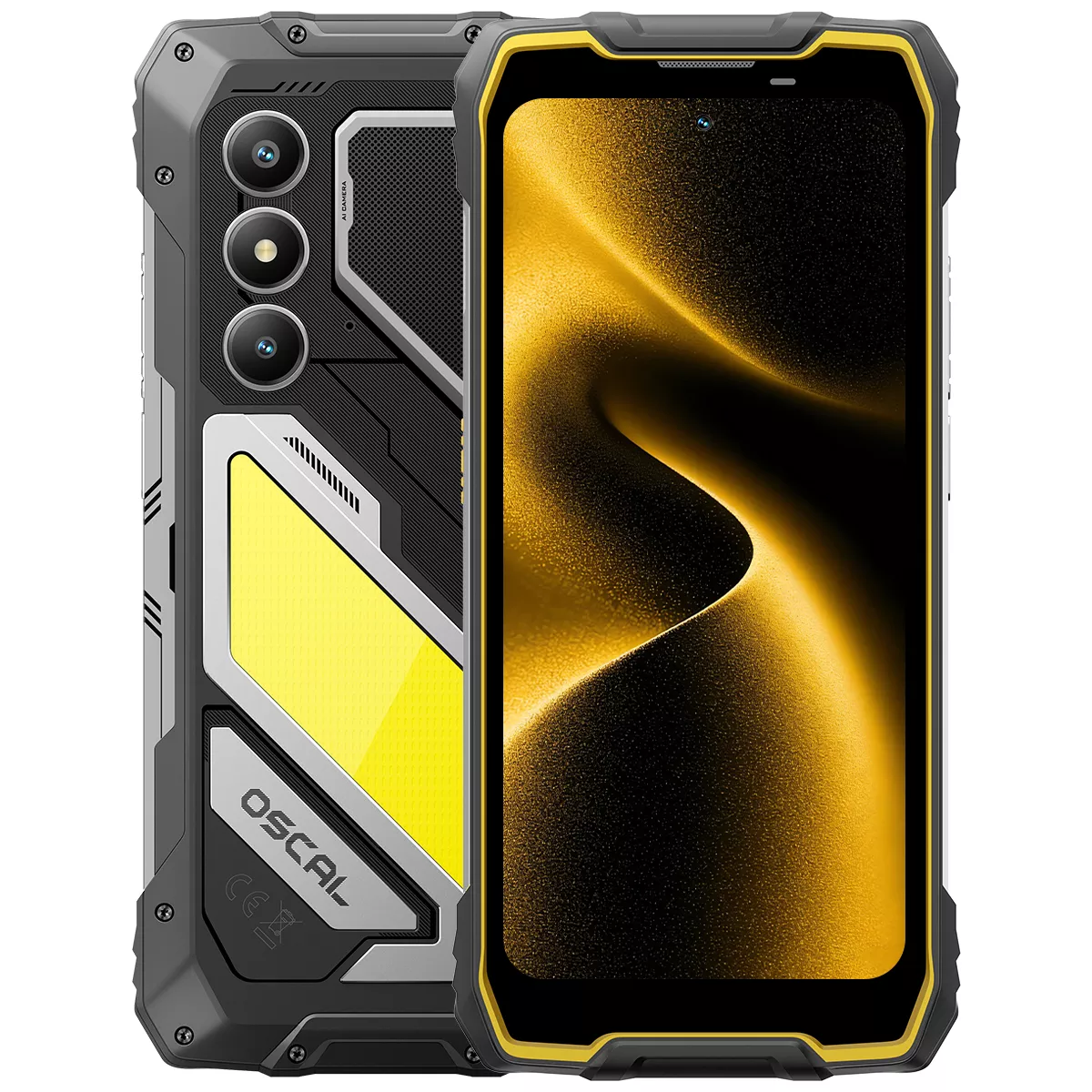
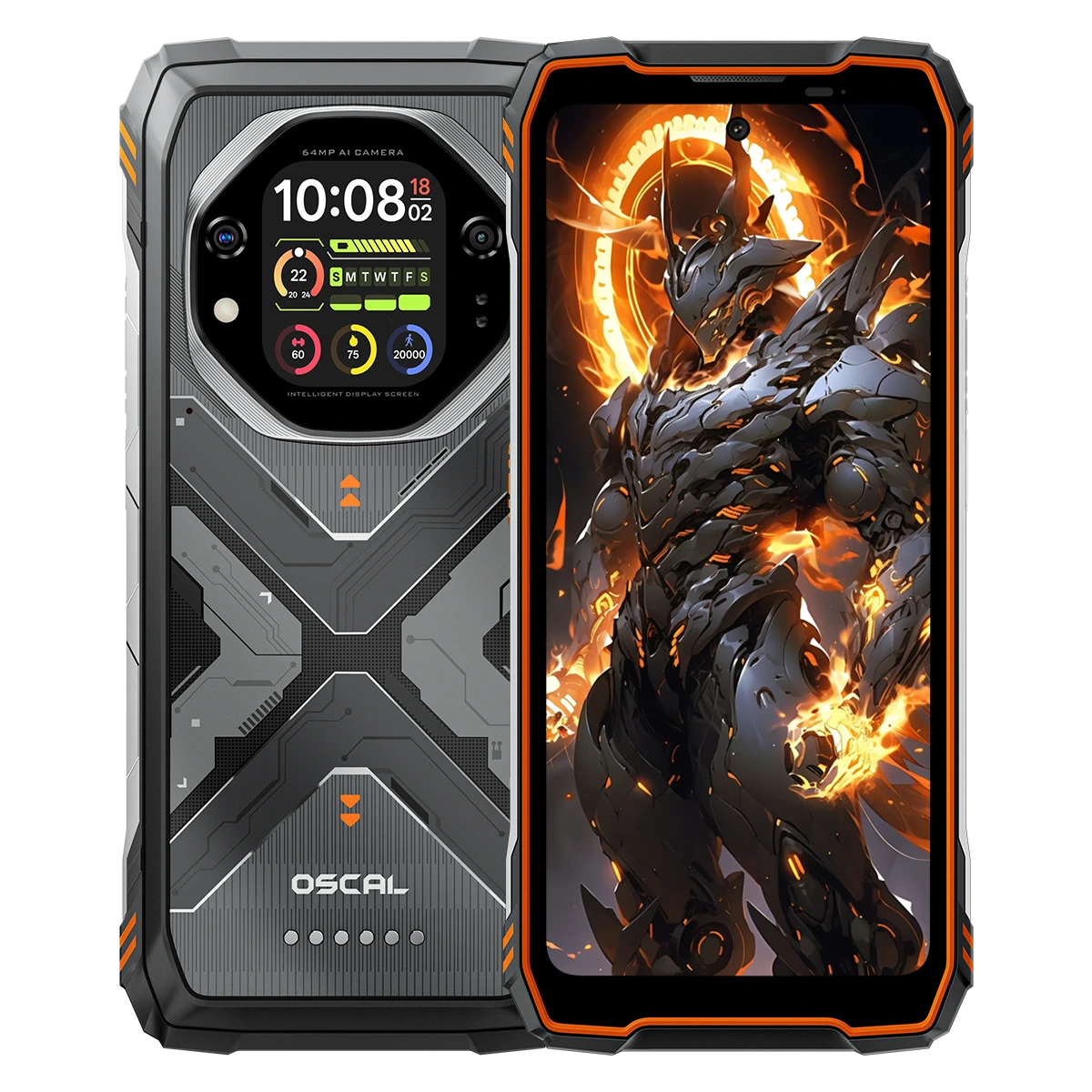


























 (1)-20251204034946188.jpg)















Welcome to OSCAL (Well-known Chinese brand of portable power station, rugged smartphone, projector, smartwatch) blog. Hope this guide has been helpful.
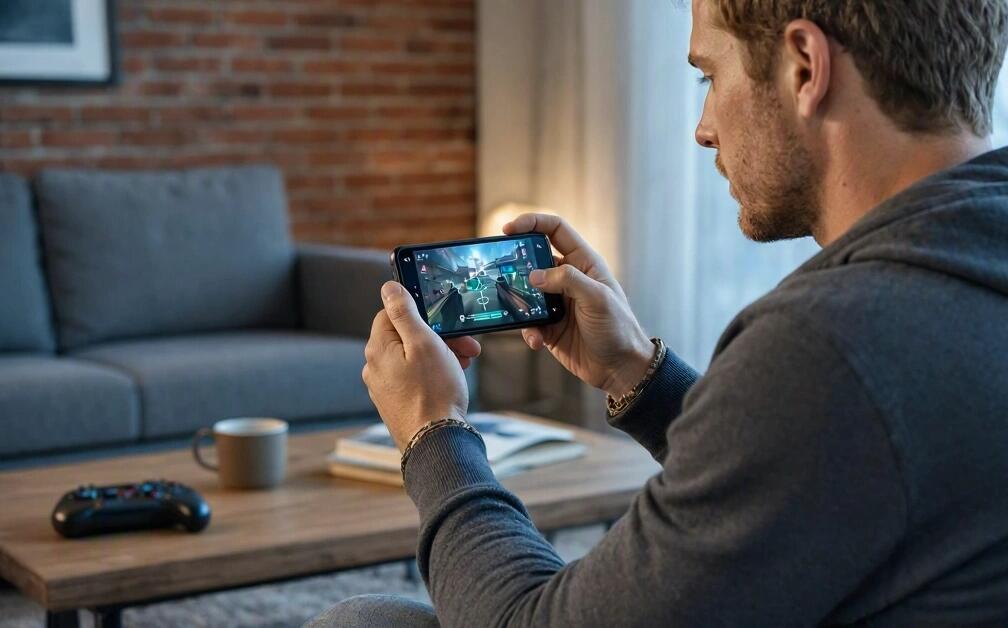
Response speed is one of the most important factors affecting performance when playing shooter games on a smartphone. Whether players are competing in multiplayer battles or completing single-player missions, the ability to aim, shoot, move, and react quickly can make a significant difference. In shooting games for phone, even a slight delay between touching the screen and seeing an action happen can affect accuracy and gameplay. Understanding what influences response speed helps players identify performance problems and enjoy a smoother gaming experience.
- Read also: 10 best free epic games for phone
- 6 Shooting Games Worth Trying on Tablets
- How to play phone games on your computer?
However, response speed is not determined by a single hardware specification or game setting. It depends on several factors, including touchscreen sensitivity, processor performance, network latency, display refresh rate, frame rate, and individual reaction time. Smartphone temperature, background applications, and battery conditions can also influence responsiveness. The following guide explores the main factors that determine response speed and explains how players can optimize their devices for better performance.
1. Processor Performance
The smartphone processor plays an essential role in determining how quickly a game responds to player input. It handles game calculations, character movements, shooting actions, visual effects, and other real-time operations.
A powerful processor can process gaming instructions more efficiently, reducing delays during intense battles. Devices with older or entry-level chipsets may struggle when handling complex environments, multiple opponents, and demanding graphics simultaneously.
Important considerations include:
- CPU performance: Determines how quickly the device processes game instructions and player commands.
- GPU capabilities: Affect graphics rendering and the smoothness of visual movements.
- Memory availability: Helps the game run without interruptions caused by insufficient RAM.
- Chipset efficiency: Influences how consistently the smartphone maintains performance during extended gaming sessions.
2. Touchscreen Sensitivity and Sampling Rate
The touchscreen is the primary interface between players and mobile shooter games. Every movement, tap, and swipe must be detected accurately before the game can respond. Therefore, touchscreen sensitivity and touch sampling rate have a direct influence on perceived responsiveness.
Touch sampling rate refers to how frequently the screen detects touch input, usually measured in Hertz (Hz). A higher sampling rate allows the device to check for touch movements more frequently, potentially reducing input detection delays.
Players should consider the following factors:
- Touch sampling rate and its consistency.
- Screen sensitivity and accuracy.
- Multi-touch recognition when using several fingers.
- Screen protector thickness and surface quality.
- Touchscreen calibration and software optimization.
For players who frequently use complex finger movements, a responsive multi-touch screen can make aiming and shooting more comfortable.
3. Display Refresh Rate
Display refresh rate determines how many times the screen updates its image every second. It is measured in Hertz. Common smartphone displays support 60Hz, 90Hz, 120Hz, or higher refresh rates.
A higher refresh rate can make character movements, camera rotations, and aiming animations appear smoother. This can help players follow moving targets and recognize changes in the gaming environment more easily.
However, refresh rate alone does not guarantee faster response speed. The game must also support higher refresh rates, and the smartphone needs sufficient processing power to maintain smooth performance.
4. Game Frame Rate and Graphics Settings
Frame rate, measured in frames per second (FPS), describes how many frames a game renders every second. Stable frame rates are particularly important in competitive shooter games because they help maintain consistent visual feedback.
When FPS drops significantly, players may experience stuttering, delayed visual updates, or less predictable aiming movements.
Several settings can influence frame rate:
- Graphics quality: Higher-quality textures and visual effects require more processing resources.
- Shadow effects: Complex shadows can increase GPU workload.
- Resolution: Higher resolutions require the device to render more pixels.
- Frame rate limits: Some games restrict FPS according to device compatibility.
- Special effects: Explosions, smoke, and other effects can increase rendering demands.
Reducing unnecessary graphics effects can help maintain a more stable frame rate, especially on mid-range and older smartphones.
5. Network Connection and Latency
In online shooter games, network latency is another major factor affecting perceived response speed. Latency, commonly measured in milliseconds (ms), represents the time required for data to travel between the player's device and the game server.
High latency can cause noticeable delays between player actions and their registration in online matches. Players may experience opponents appearing to move unexpectedly, delayed hit registration, or inconsistent character movements.
Network performance depends on several elements:
- Wi-Fi or mobile network signal strength.
- Internet connection stability.
- Distance between the player and the game server.
- Network congestion and interference.
- Background downloads and streaming activities.
Using a stable Wi-Fi connection, selecting an appropriate game server, and avoiding unnecessary network activity can help reduce latency.
6. Smartphone Temperature and Thermal Management
Smartphone temperature can significantly influence gaming performance. Running demanding shooter games for extended periods generates heat, particularly around the processor and battery.
When a device becomes too hot, its thermal management system may reduce CPU and GPU operating speeds to protect internal components. This process, known as thermal throttling, can lead to lower frame rates and less consistent responsiveness.
To manage heat effectively, players should:
- Avoid playing in direct sunlight or extremely hot environments.
- Close unnecessary background apps.
- Remove thick protective cases if they contribute to heat buildup.
- Take short breaks during extended gaming sessions.
- Avoid demanding gameplay while charging whenever possible.
7. Background Applications and Available RAM
Background applications can consume memory, processor resources, and network bandwidth. When too many applications remain active, the smartphone may struggle to allocate sufficient resources to the game.
Messaging applications, automatic updates, cloud synchronization, and background downloads can all contribute to performance interruptions.
Before starting a competitive match, players can improve resource availability by closing unnecessary applications, pausing large downloads, and enabling a gaming mode if the smartphone provides one.
8. Battery Level and Power Management
Battery conditions can also affect smartphone gaming performance. Some devices automatically activate power-saving features when the battery level becomes low. These features may restrict processor performance, background activity, or display refresh rates to extend battery life.
For more consistent gameplay, players should maintain sufficient battery power and check whether battery-saving modes are limiting performance. However, keeping the device cool remains important, so charging habits should also be considered.
9. Player Reaction Time and Control Settings
Not every response delay comes from smartphone hardware. Human reaction time and personal control preferences also influence how quickly players respond to in-game situations.
Players can improve their control efficiency by adjusting sensitivity settings, customizing button layouts, and practicing regularly. For example, suitable aiming sensitivity can make it easier to track moving opponents without excessive finger movement.
Useful adjustments include:
- Finding a comfortable camera and aiming sensitivity.
- Customizing the shooting and movement button positions.
- Practicing target tracking and quick aiming.
- Using a comfortable finger placement.
- Maintaining consistent control settings between matches.
Conclusion
Response speed when playing shooter games on a smartphone depends on a combination of hardware capabilities, software optimization, network conditions, and player skills. Processor performance, touchscreen sampling rate, display refresh rate, stable FPS, and low network latency all contribute to a responsive gaming experience.
By optimizing graphics settings, maintaining a stable internet connection, managing device temperature, and adjusting control sensitivity, players can reduce unnecessary delays and improve gameplay consistency. Choosing a smartphone with suitable gaming hardware is also helpful. Ultimately, understanding these factors allows players to make better adjustments and enjoy smoother, more responsive shooter gaming on their smartphones.


