













 (1)-20251204034946188.jpg)

























Welcome to OSCAL (Well-known Chinese brand of portable power stations, rugged outdoor smartphones, Android tablets, and portable projectors) blog. Hope this guide has been helpful.
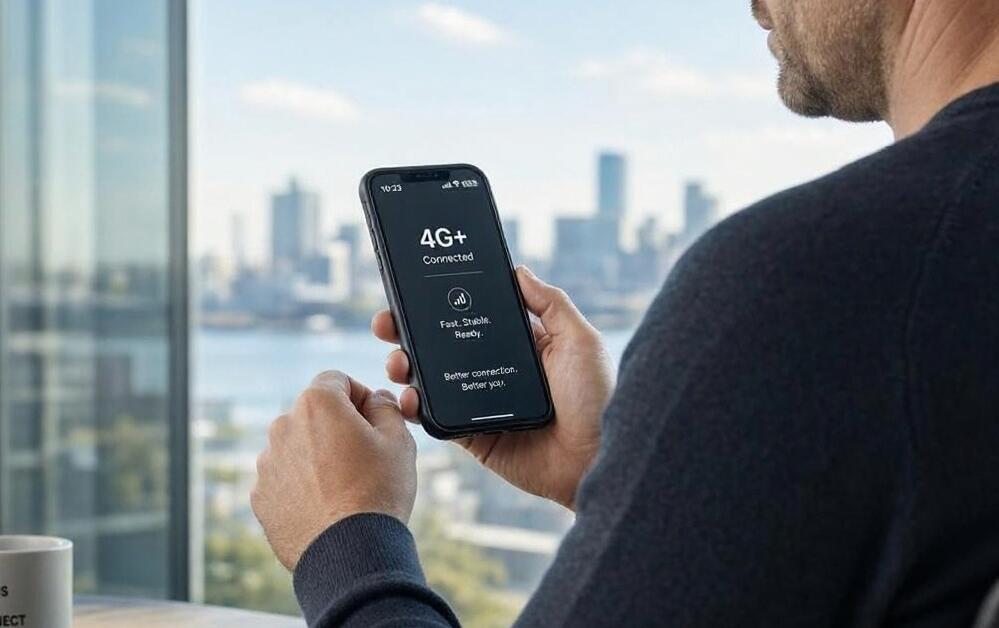
With the rapid development of mobile communication technology, 4G+ has become an important feature in modern smartphones. It offers faster internet speeds, improved network performance, and a smoother mobile experience compared with standard 4G LTE. Many smartphone manufacturers now include advanced network technologies in their devices, making it easier for users to enjoy high-speed mobile connectivity. However, not every modern smartphone necessarily supports 4G+.
- Read also: What is the difference between 4G+ and 4G?
- 4G+ vs 5G: Are they the same?
- 4G vs 5G: All differences comparison
Whether a smartphone can connect to a 4G+ network depends on several factors, including its hardware, modem capabilities, supported frequency bands, software configuration, and mobile carrier. Understanding these requirements can help you determine whether your current phone supports 4G+ and what to consider when purchasing a new device. Below are five important aspects to know.
What Is 4G+ Technology?
4G+ is an enhanced version of standard 4G LTE, commonly associated with LTE-Advanced technology. It uses a technique called Carrier Aggregation (CA), which combines multiple frequency bands to increase available network bandwidth.
Do All Modern Smartphones Support 4G+?
No. Although many recent smartphones support 4G+ connectivity, this feature is not available on every modern device. Some entry-level smartphones use older or less advanced LTE modems that do not support Carrier Aggregation.
Even if a smartphone supports 4G, it does not automatically mean that it supports 4G+. Manufacturers may offer different modem specifications across budget, mid-range, and flagship models.
Several factors determine compatibility:
- Modem capability: The built-in modem must support LTE-Advanced and Carrier Aggregation.
- Frequency bands: The phone must support the frequency combinations used by the local carrier.
- Network availability: The mobile operator must provide 4G+ coverage in the user's area.
- Software support: Device firmware and network settings must enable the feature.
How to Check Whether Your Smartphone Supports 4G+
You can use several simple methods to determine whether your smartphone supports 4G+.
- Check the phone specifications: Visit the manufacturer's official website and look for LTE-Advanced or Carrier Aggregation support.
- Review the network settings: Open Settings and check the available preferred network modes. Keep in mind that selecting 4G does not guarantee 4G+ support.
- Check the status bar: When connected to a compatible network, some smartphones display a 4G+ or LTE+ icon.
- Contact your carrier: Ask whether your mobile plan, SIM card, and local network support 4G+.
- Test the connection: Use a reliable network speed-testing application in an area with confirmed 4G+ coverage.
Should You Buy a Smartphone That Supports 4G+?
If you frequently browse the internet, stream high-definition videos, participate in video calls, or download large files, choosing a smartphone with 4G+ support can provide additional connectivity flexibility.
Before purchasing a device, consider the following points:
- Check whether the phone supports the LTE bands used by your carrier.
- Confirm that its modem supports Carrier Aggregation.
- Compare network specifications rather than relying only on the 4G label.
- Consider whether 5G connectivity is important for your future needs.
For users who mainly make calls, send messages, and perform basic online activities, standard 4G may already provide sufficient performance.
Conclusion
Not all modern smartphones support 4G+, even though this technology is widely available in newer devices. Compatibility depends on the smartphone's modem, supported frequency bands, software, and mobile network infrastructure.
Before buying a new smartphone or troubleshooting your current connection, check the manufacturer's specifications and confirm local carrier support. Understanding these factors will help you choose a suitable device and make better use of available mobile network technology.