












 (1)-20251204034946188.jpg)






















Welcome to OSCAL (Well-known Chinese brand of rugged outdoor smartphones, tablets, and portable power stations) blog. Hope this guide has been helpful.
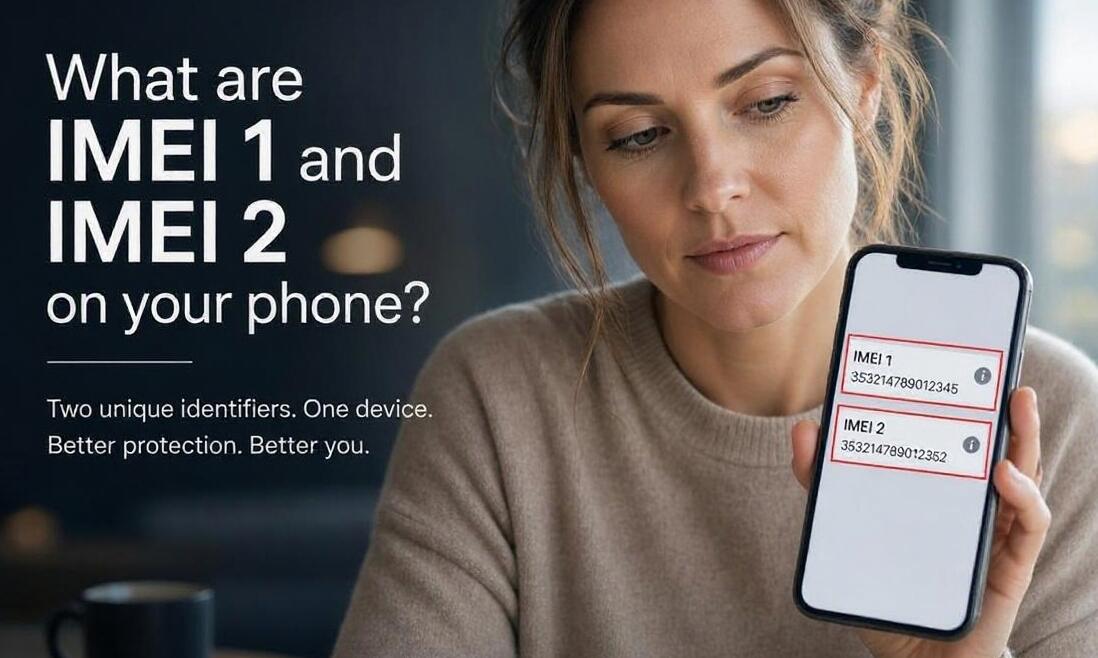
Every smartphone has a unique identification number known as an International Mobile Equipment Identity (IMEI). This number helps mobile networks identify individual devices, manage network access, and distinguish one phone from another. If you have recently checked your phone's settings, you may have noticed two separate numbers labeled IMEI 1 and IMEI 2. These identifiers are particularly common on dual-SIM smartphones, including many Android devices and iPhones.
- Read also: How to check how much RAM does your phone have?
- How much GB RAM does a phone need?
- Which is the Best Android 16 Rugged phone?
Although IMEI 1 and IMEI 2 look similar, they serve different purposes when your phone supports multiple SIM connections. Understanding the difference can help you manage SIM cards, troubleshoot network problems, verify device information, and protect your phone if it gets lost or stolen. This guide explains what both IMEI numbers mean, how to find them, and why they matter.
What Are IMEI 1 and IMEI 2?
IMEI 1 and IMEI 2 are unique identification numbers assigned to a mobile device's cellular connections. Each IMEI typically identifies a separate SIM interface or cellular radio identity within a dual-SIM phone.
- IMEI 1: Usually identifies the primary SIM slot or first cellular connection.
- IMEI 2: Usually identifies the secondary SIM slot or second cellular connection.
Most modern dual-SIM smartphones have two IMEI numbers because they can connect to two mobile networks or use two cellular subscriptions. These numbers are generally 15 digits long and are assigned by the device manufacturer.
It is important to understand that IMEI numbers identify the phone's cellular hardware rather than the SIM card itself. Changing your SIM card or mobile carrier does not normally change the device's IMEI numbers.
Why Does Your Phone Have Two IMEI Numbers?
A smartphone with dual-SIM functionality needs separate identifiers for its two cellular connections. This allows the device to manage two SIM cards or cellular subscriptions, depending on the hardware and supported network technology.
For example, you might use one SIM for personal calls and another for business communication. Alternatively, you could use one connection for mobile data and the other for receiving calls.
Two IMEI numbers are commonly found on:
- Android smartphones with dual physical SIM slots
- iPhones or Android phones supporting eSIM and physical SIM combinations
- Smartphones with dual eSIM functionality
- Devices supporting two active cellular subscriptions
However, having two IMEI numbers does not necessarily mean both SIM connections can operate simultaneously. This depends on the phone's hardware, software, and carrier support.
What Is the Difference Between IMEI 1 and IMEI 2?
The main difference is the cellular connection each number identifies. IMEI 1 generally corresponds to the first SIM interface, while IMEI 2 corresponds to the second.
For example, if you install a personal SIM card in the first slot and a business SIM card in the second slot, each connection may use its corresponding IMEI number when communicating with a mobile network.
However, the labels do not always indicate which connection is currently active or which one is the default for mobile data. You can select your preferred SIM for calls, messages, and internet access through your phone's SIM management settings.
Both numbers are important for device identification, and neither is inherently more important than the other.
Why Are IMEI Numbers Important for Security and Troubleshooting?
IMEI numbers play an important role in mobile network security and device management. Mobile carriers can use them to identify devices, investigate certain connection problems, and block reported stolen phones through supported network systems.
Here are several situations where knowing your IMEI numbers can be useful:
- Lost or stolen phones: You can provide the IMEI number to your carrier when requesting a device block, where supported.
- Network troubleshooting: A carrier may request the relevant IMEI when investigating SIM registration or connectivity problems.
- Device verification: IMEI information can help confirm whether a phone matches its packaging or purchase records.
- Warranty support: Manufacturers or retailers may request device identification information when handling service claims.
- Secondhand purchases: Checking the device's IMEI status through appropriate carrier or verification services can help identify potential restrictions.
Keep both IMEI numbers somewhere secure, but avoid sharing them publicly or with untrusted websites. Never attempt to modify or change an IMEI, as doing so may be illegal in some countries.
Conclusion
IMEI 1 and IMEI 2 are unique identifiers associated with the cellular connections of dual-SIM smartphones. IMEI 1 generally identifies the first SIM interface, while IMEI 2 identifies the second. Both Android devices and iPhones may display these numbers when they support multiple SIM connections.
Knowing how to locate and use your IMEI information can make it easier to manage mobile connections, troubleshoot network issues, and protect your device if it is lost or stolen. Keep both numbers recorded securely so you can access them whenever necessary.