













 (1)-20251204034946188.jpg)













Welcome to OSCAL (Well-known Chinese brand of rugged outdoor smartphone, tablet, and portable power station) blog. Hope this guide has been helpful.
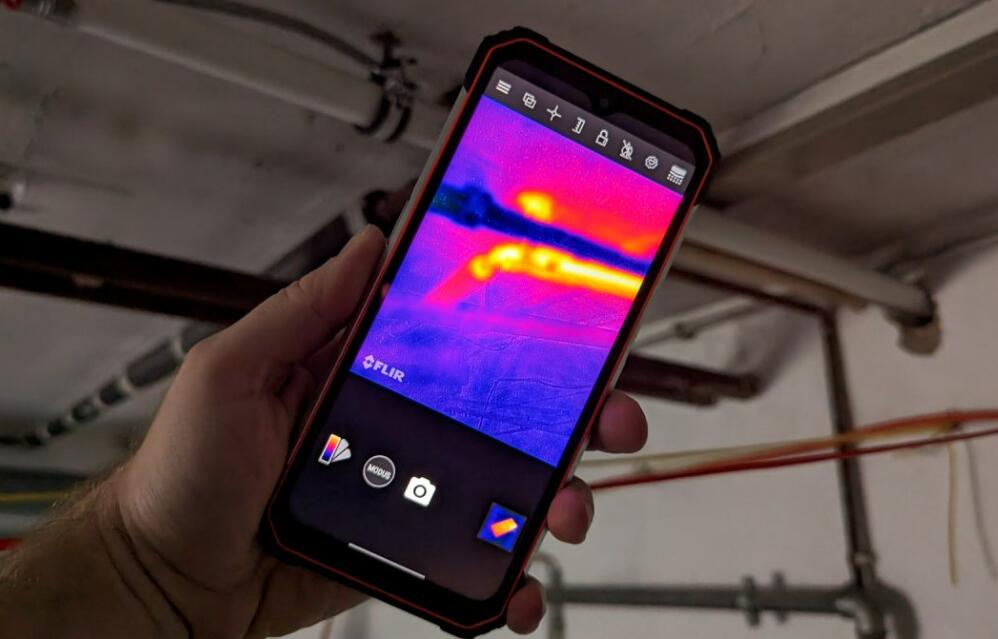
Have you ever wondered whether your smartphone can detect heat, identify temperature differences, or reveal objects in complete darkness? Thermal cameras are useful tools for home inspections, electrical troubleshooting, outdoor activities, and equipment maintenance. Although most standard smartphones do not have built-in thermal imaging sensors, there are several ways to turn your phone into a thermal imaging device. With the right hardware, you can view heat patterns and identify temperature variations directly on your screen.
- Read also: Can a thermal camera see through clothes?
- How to hide from thermal imaging?
- What can thermal imaging technology detect?
So, can you use your phone as a thermal camera? Yes! There are two main approaches: purchasing a smartphone with an integrated thermal camera or connecting an external thermal imaging accessory to your existing device. Both options provide thermal imaging capabilities, but they differ in price, portability, convenience, and performance. This guide explains how each method works and what you should consider before choosing one.
Method 1: Use a Smartphone with a Built-in Thermal Camera
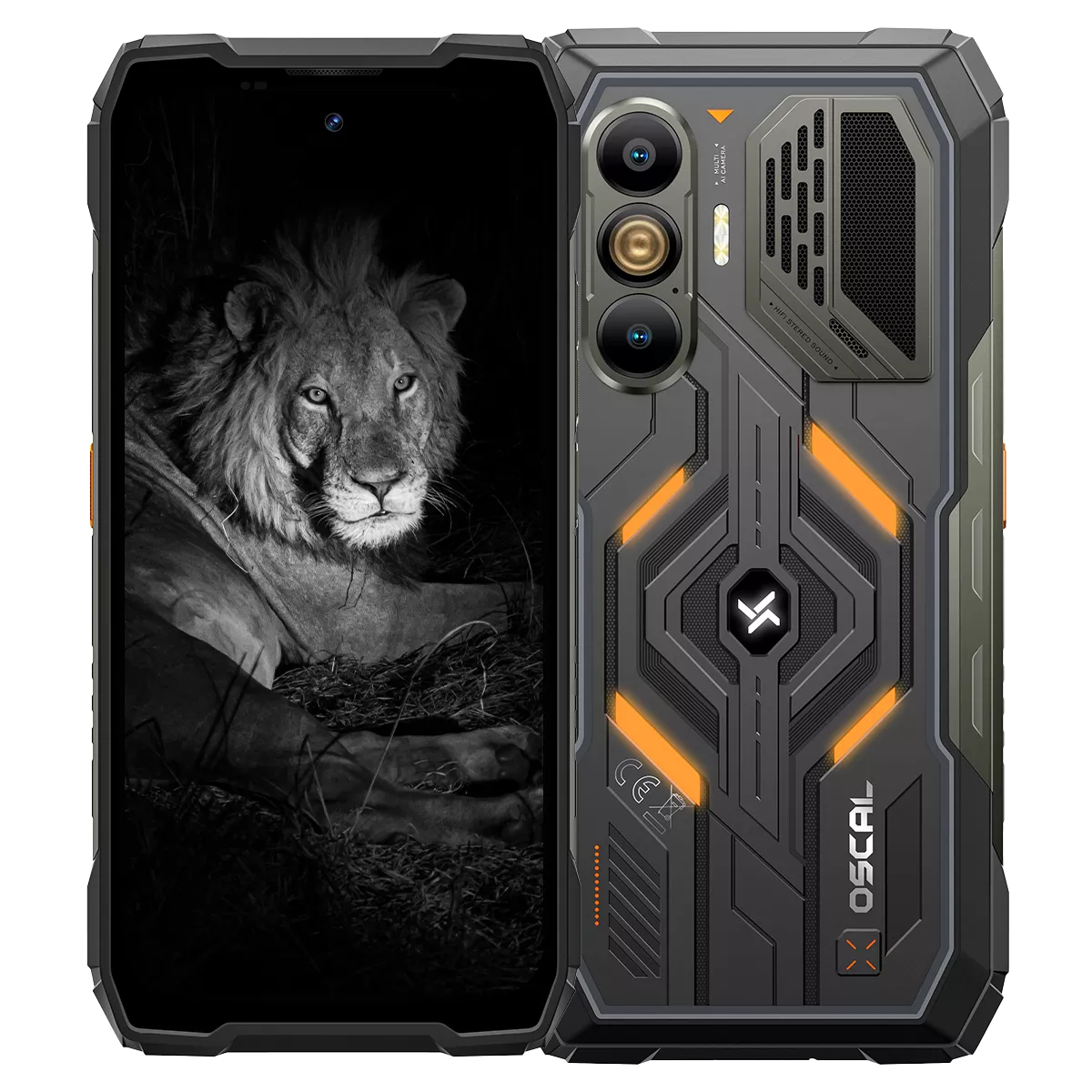
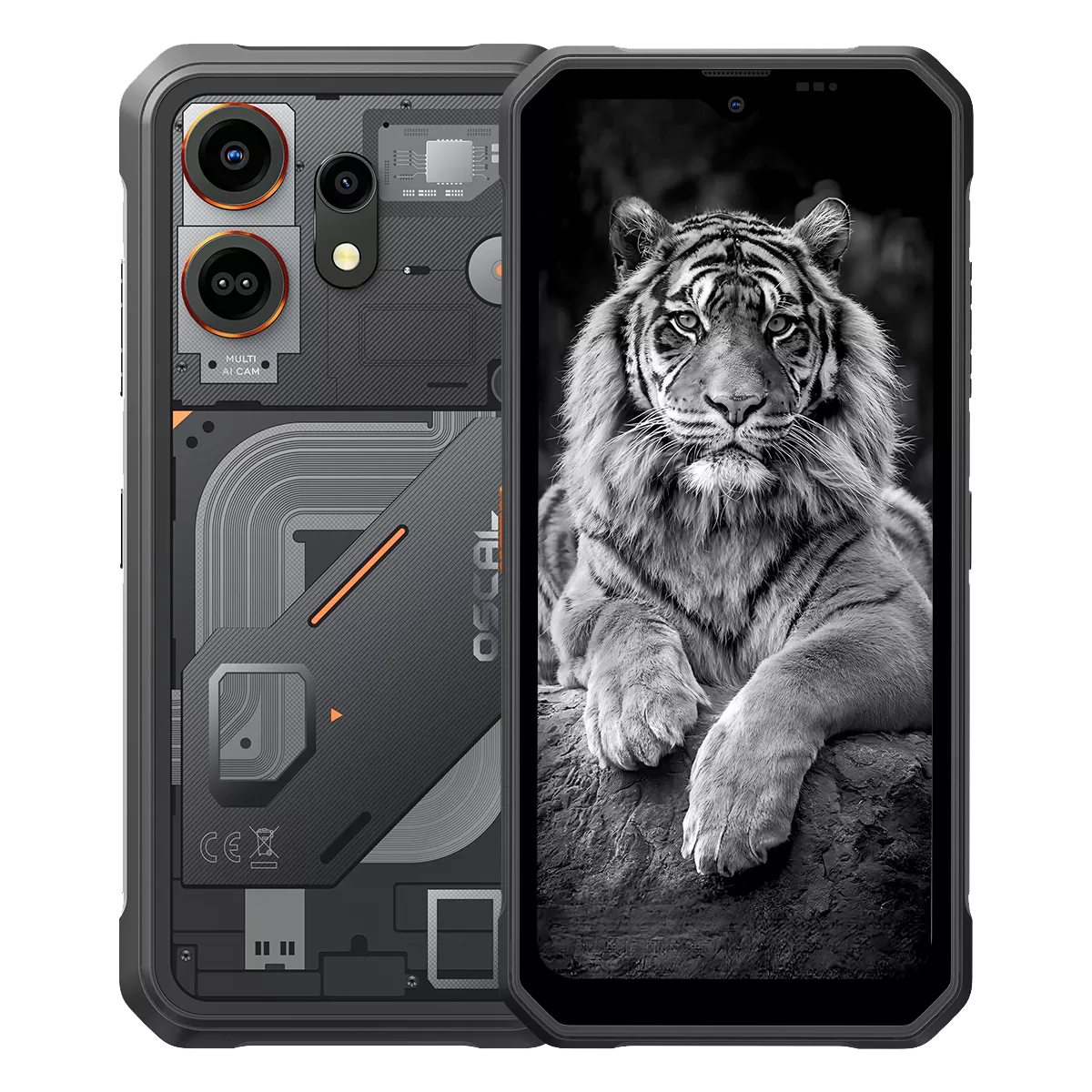
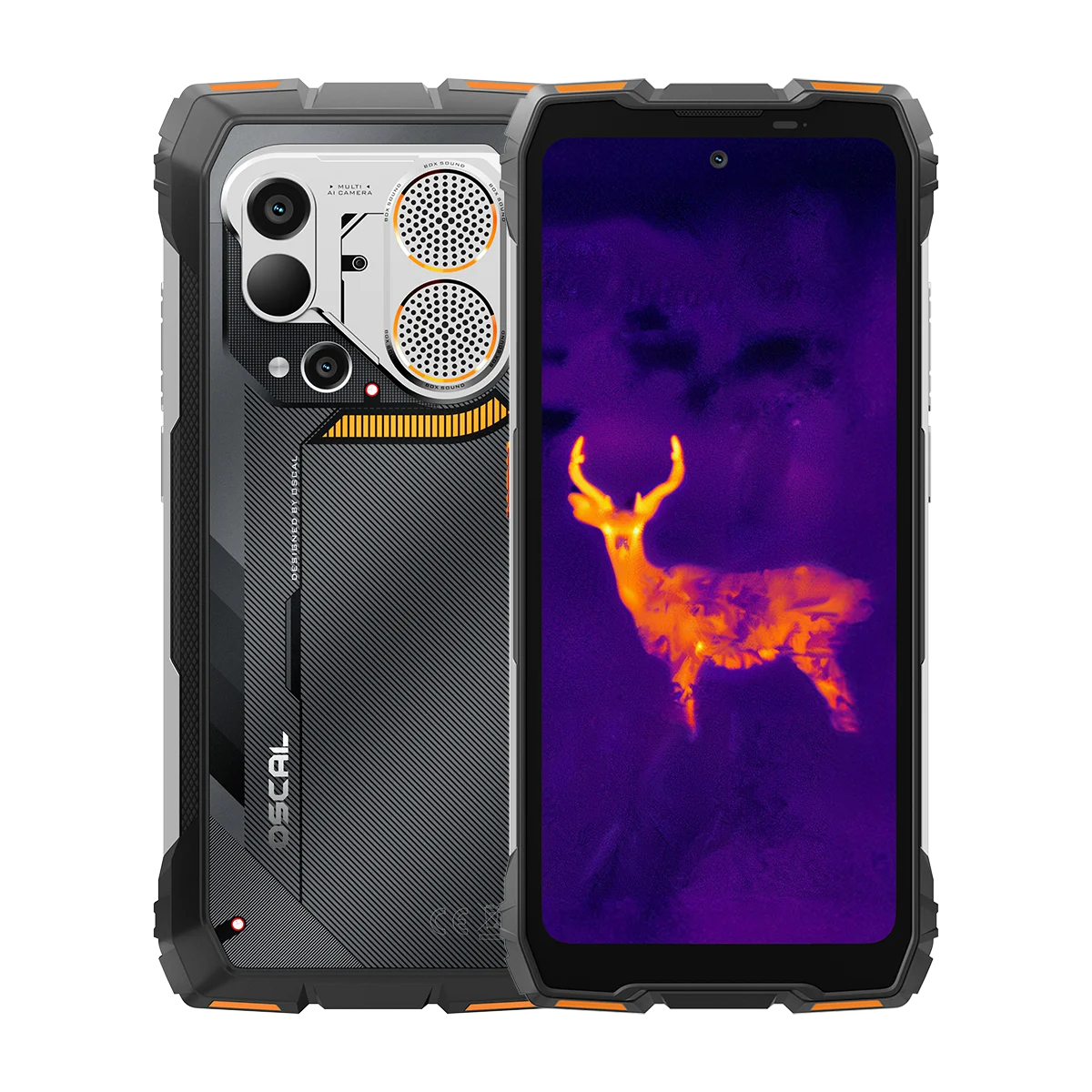
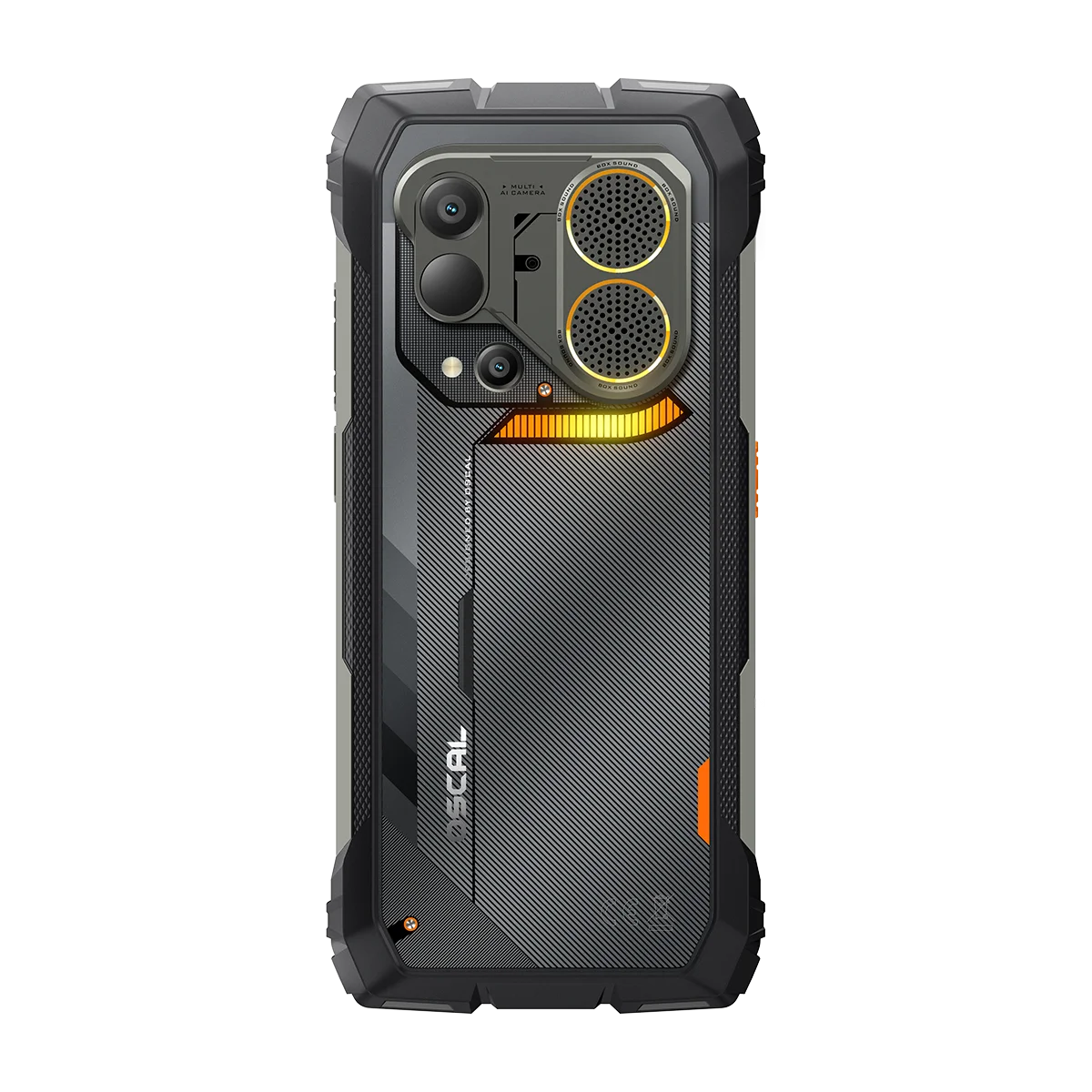
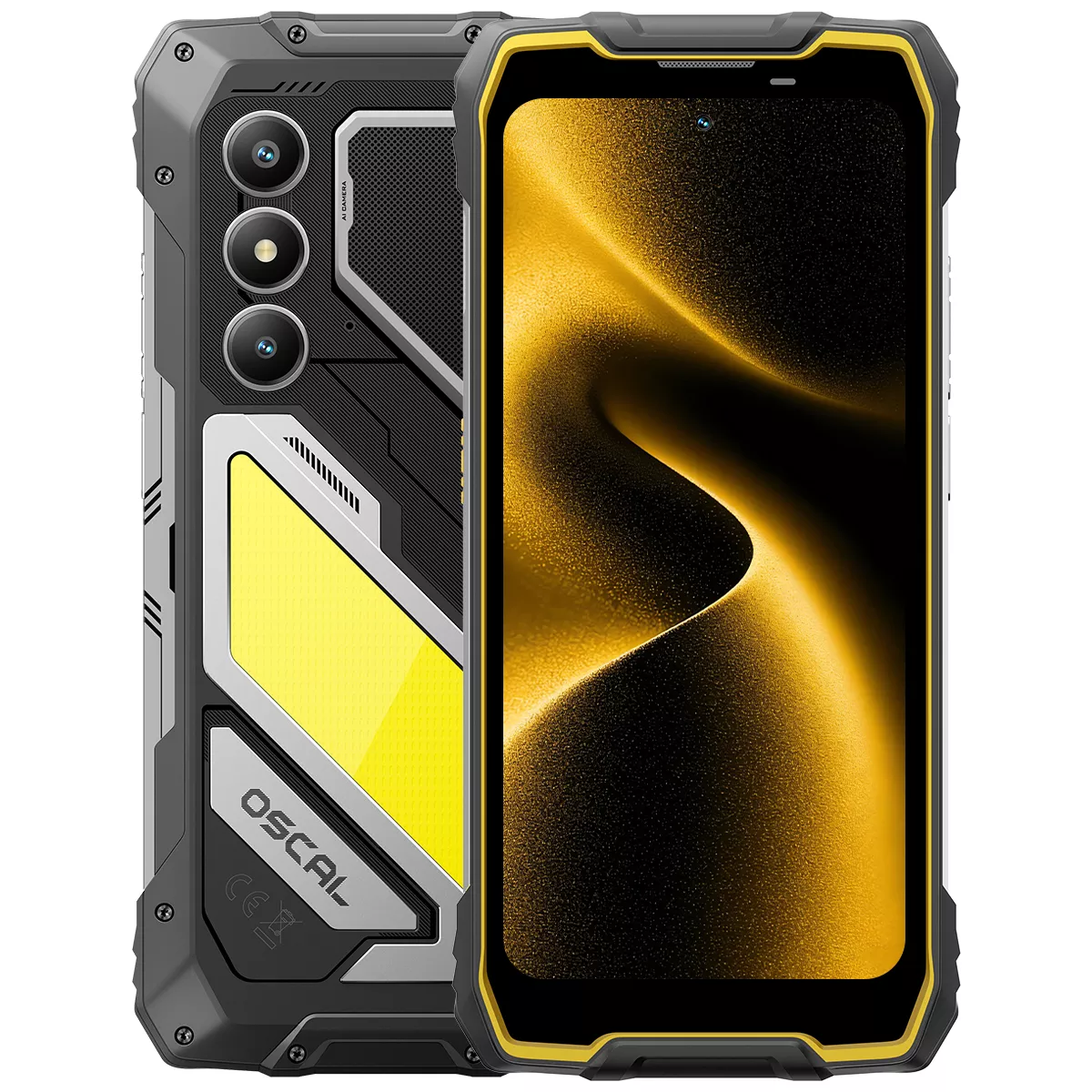
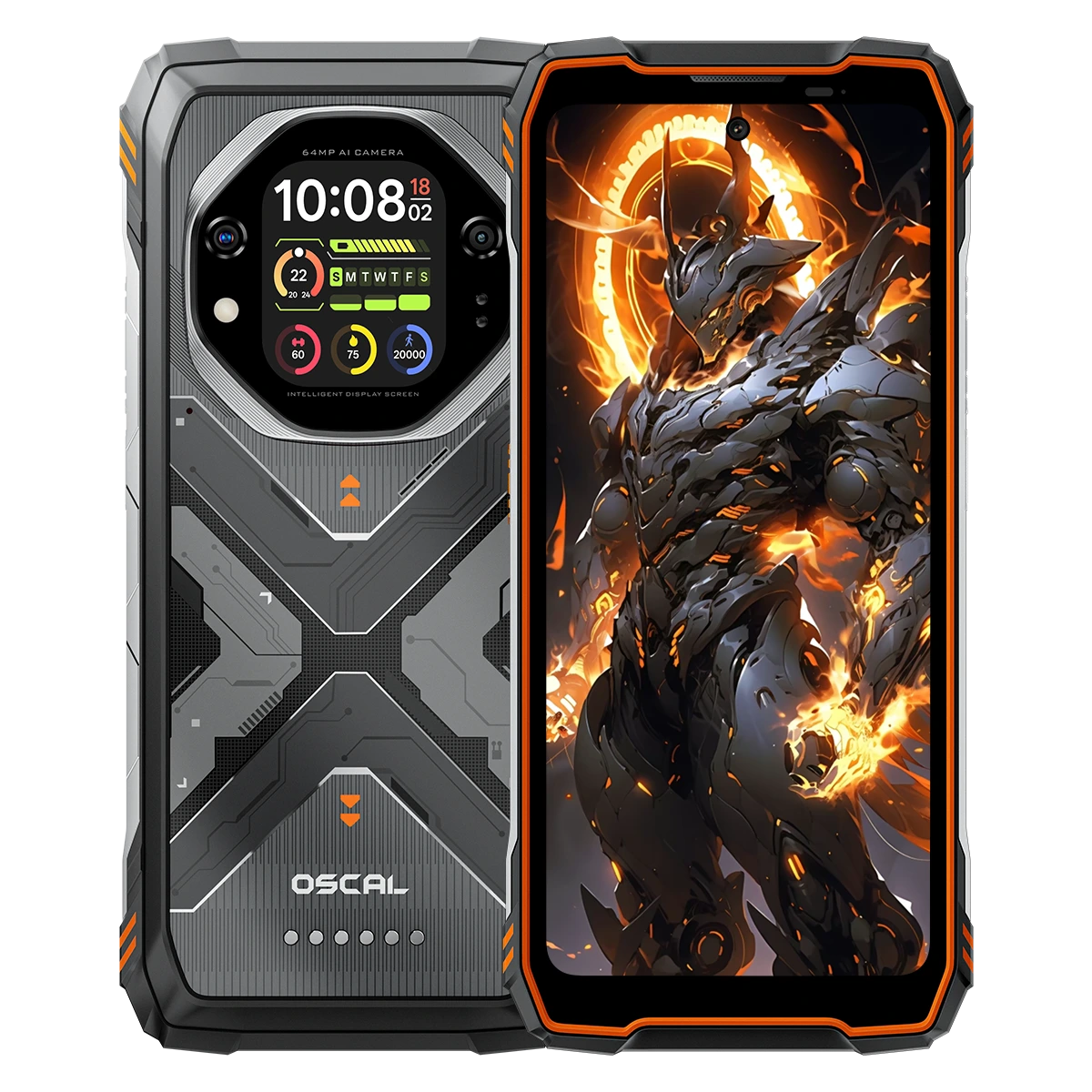
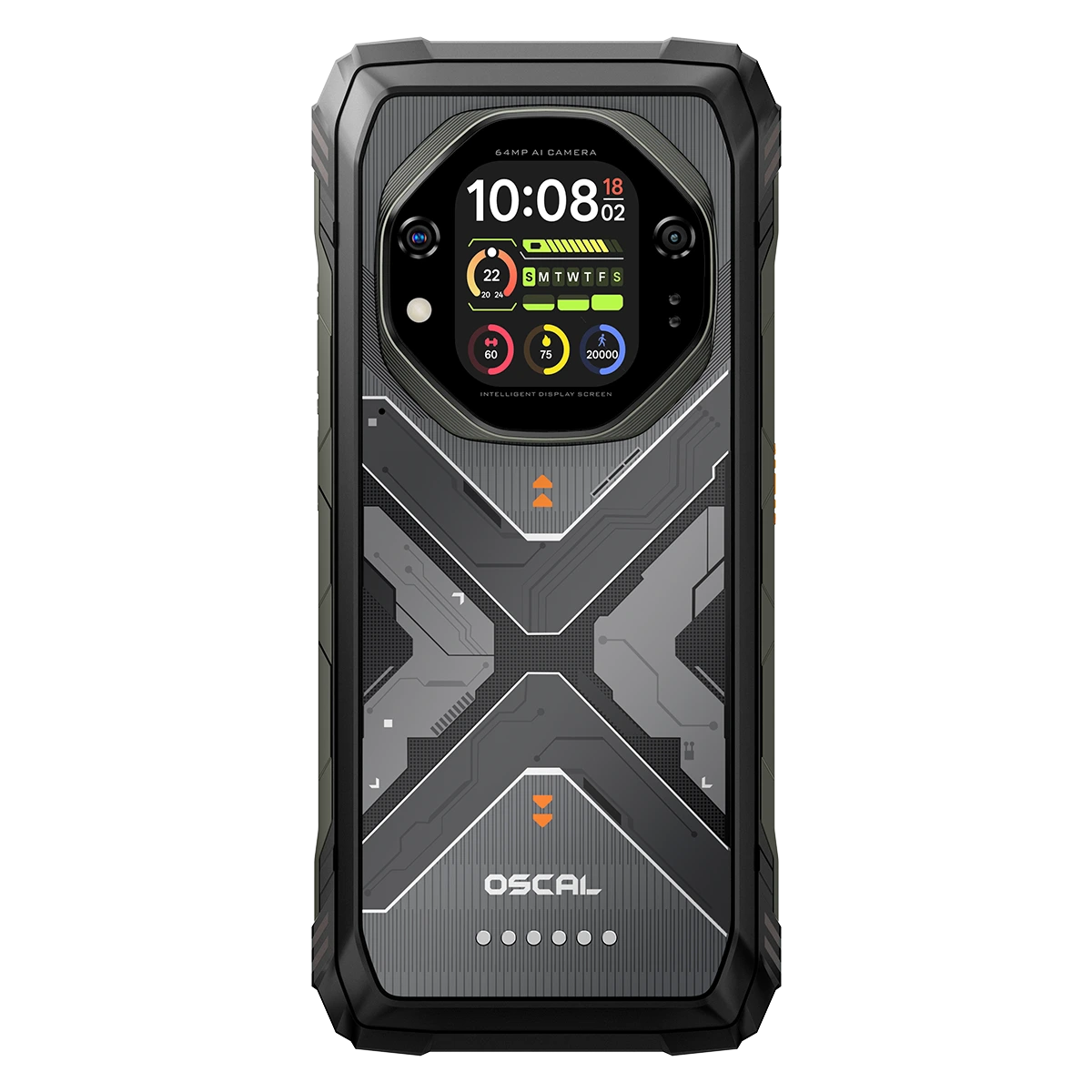
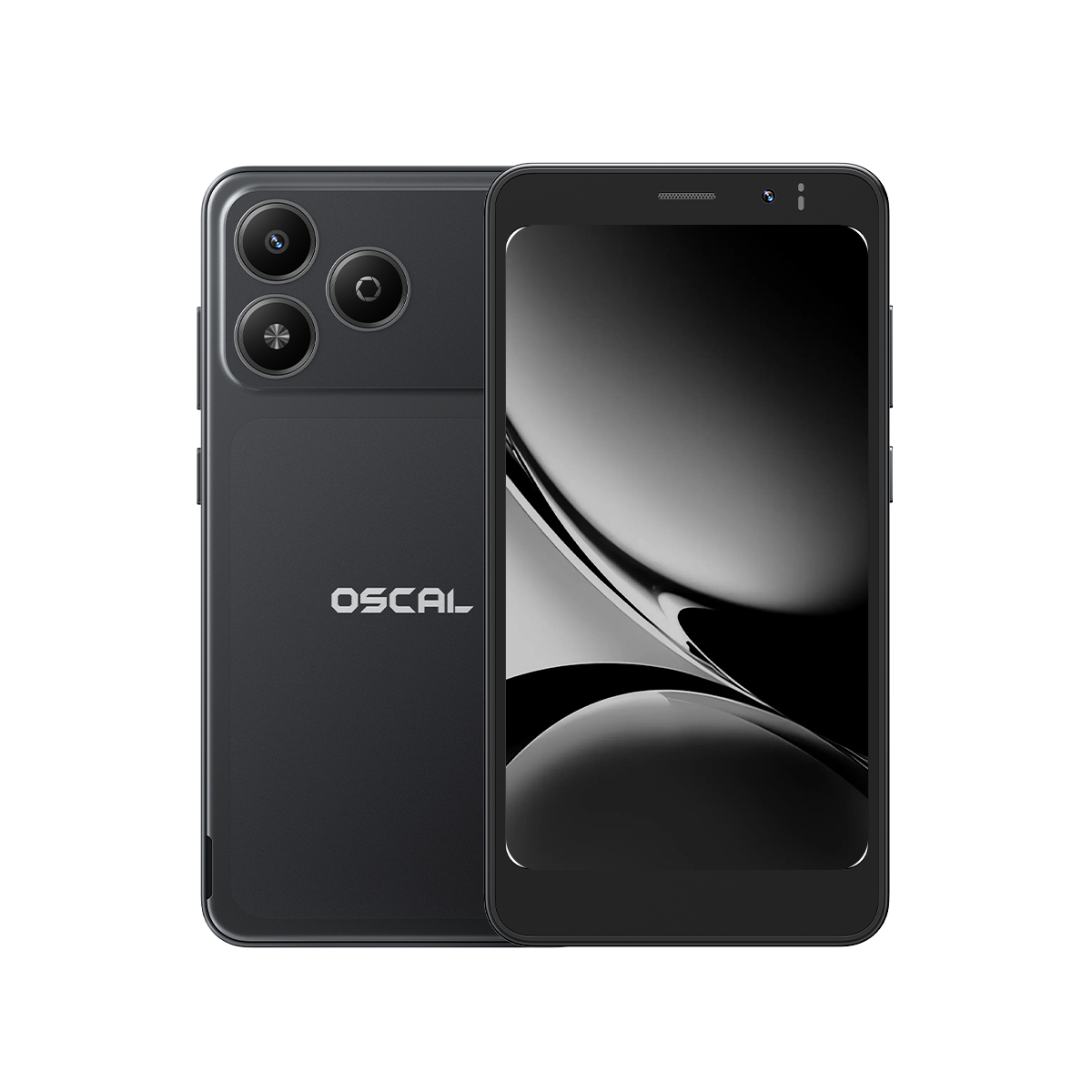
The simplest way to use your phone as a thermal camera is to purchase a smartphone with an integrated thermal imaging sensor. Some specialized smartphones are designed with thermal cameras that detect infrared radiation and convert temperature differences into visible images.
These devices are particularly useful for professionals who regularly work with electrical systems, plumbing, construction, automotive repairs, or outdoor inspections. Instead of carrying a separate thermal camera, you can access thermal imaging directly from your smartphone.
How to Use a Phone with a Built-in Thermal Camera
- Choose a suitable device: Purchase a smartphone that specifically includes a built-in thermal imaging sensor. Check its resolution, temperature measurement range, and supported features.
- Charge your phone: Make sure the battery has sufficient power before starting an inspection.
- Open the thermal imaging application: Locate the manufacturer's thermal camera app and launch it.
- Select an imaging mode: Depending on the device, choose different color palettes, temperature measurement modes, or image settings.
- Point the camera: Aim the thermal sensor toward the object or area you want to inspect.
- Analyze the thermal image: Observe temperature differences displayed through different colors.
- Save your results: Capture thermal images or videos for later reference and comparison.
Method 2: Use an External Thermal Camera Accessory
If you already own a smartphone and do not want to replace it, purchasing an external thermal imaging accessory is another practical option. These accessories connect directly to your phone, usually through a USB-C or Lightning connection, depending on compatibility.
Popular external thermal camera accessories are available from manufacturers such as FLIR and TOPDON. Their prices can be comparable to those of smartphones with integrated thermal imaging capabilities, depending on the model and specifications. However, they are less convenient to carry because you need to bring an additional device and keep track of the accessory.
How to Use an External Thermal Camera Accessory
- Choose a compatible accessory: Check whether the thermal camera supports your smartphone's operating system and connector type.
- Install the application: Download the recommended thermal imaging app from the Google Play Store or the manufacturer's official source.
- Connect the accessory: Plug the thermal camera into your smartphone's charging or data port. Use an appropriate adapter if necessary.
- Grant permissions: Allow the application to access the required device features.
- Launch the application: Open the thermal imaging software and wait for the accessory to initialize.
- Adjust the settings: Select the appropriate temperature range, color palette, and imaging mode.
- Start scanning: Point the accessory toward the target and view the thermal image on your phone.
- Capture and review: Save images, record videos, and analyze temperature differences using the available software tools.
What Can You Do with a Phone Thermal Camera?
A smartphone equipped with thermal imaging capabilities can support many everyday and professional tasks. Common applications include:
- Home inspections: Identify potential insulation problems, heat loss, and unusual temperature differences around windows and doors.
- Electrical inspections: Locate overheating electrical components, connections, and circuit breakers.
- Plumbing: Detect temperature patterns that may indicate hot water pipe locations or possible leaks.
- Automotive maintenance: Identify unusual heat patterns in engines, brakes, and other vehicle components.
- Outdoor activities: Observe heat signatures in the surrounding environment during nighttime activities.
Important Limitations of Smartphone Thermal Cameras
Although thermal imaging is useful, smartphone thermal cameras have several limitations that users should understand before purchasing a device.
- Limited resolution: Some smartphone thermal sensors provide relatively low-resolution images compared with professional thermal cameras.
- Temperature accuracy: Readings can be affected by surface materials, distance, environmental conditions, and sensor calibration.
- Compatibility: External accessories may not work with every smartphone model or operating system.
- Battery consumption: Running thermal imaging applications can increase power consumption.
- Environmental interference: Glass, reflective surfaces, and other materials can affect infrared measurements.
How to Choose the Right Thermal Imaging Solution
Your ideal option depends on your budget, usage frequency, and portability requirements. A smartphone with a built-in thermal camera is convenient if you frequently perform inspections and want an all-in-one device. An external accessory is more suitable if you prefer keeping your existing smartphone and only need thermal imaging occasionally.
Before making a purchase, compare thermal resolution, temperature measurement accuracy, detection range, software features, battery requirements, and device compatibility. These specifications will have a greater impact on your experience than appearance alone.
Final Thoughts
Using your phone as a thermal camera is entirely possible with the right hardware. You can either purchase a smartphone with an integrated thermal imaging sensor or connect an external thermal camera accessory to your existing device. Both approaches allow you to detect heat patterns and explore temperature differences without carrying a traditional standalone thermal camera.
Ultimately, the best choice depends on your needs. If portability and convenience are your priorities, an integrated thermal camera smartphone is worth considering. If you want to keep your current phone, an external accessory offers a flexible alternative. By comparing their features, costs, and limitations, you can find a thermal imaging solution that suits your everyday or professional requirements.